
Handheld bag coders for sack and bag work
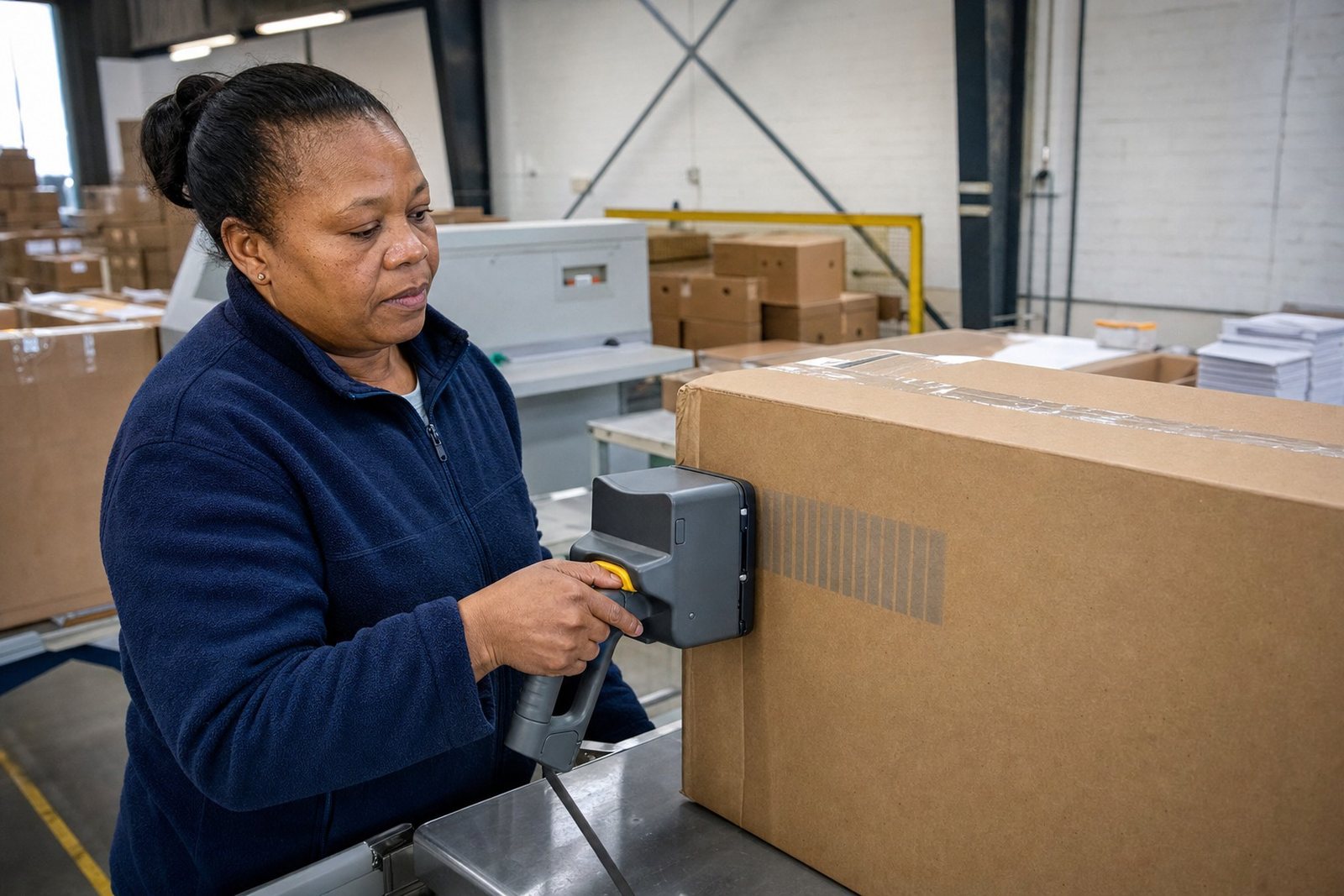
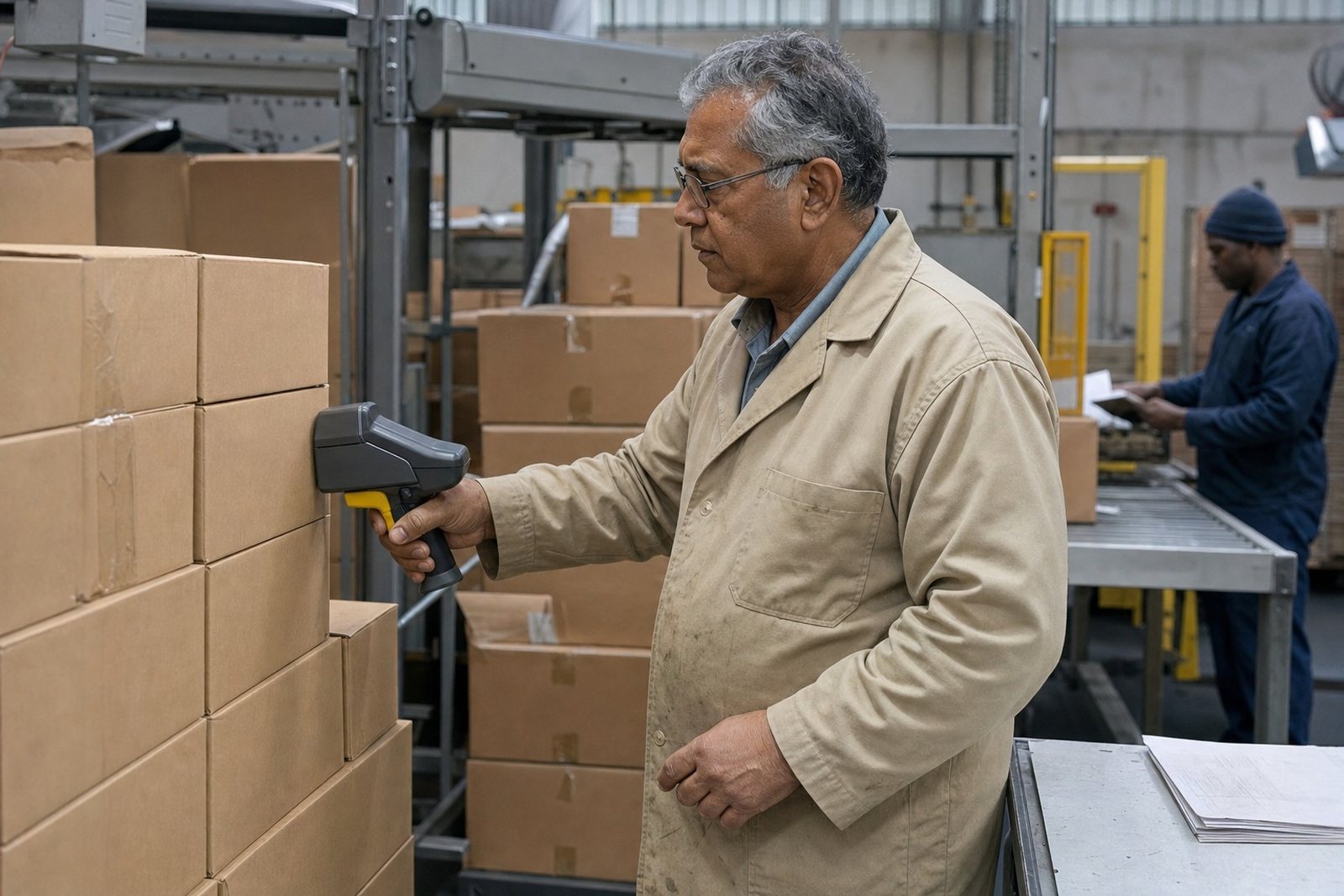
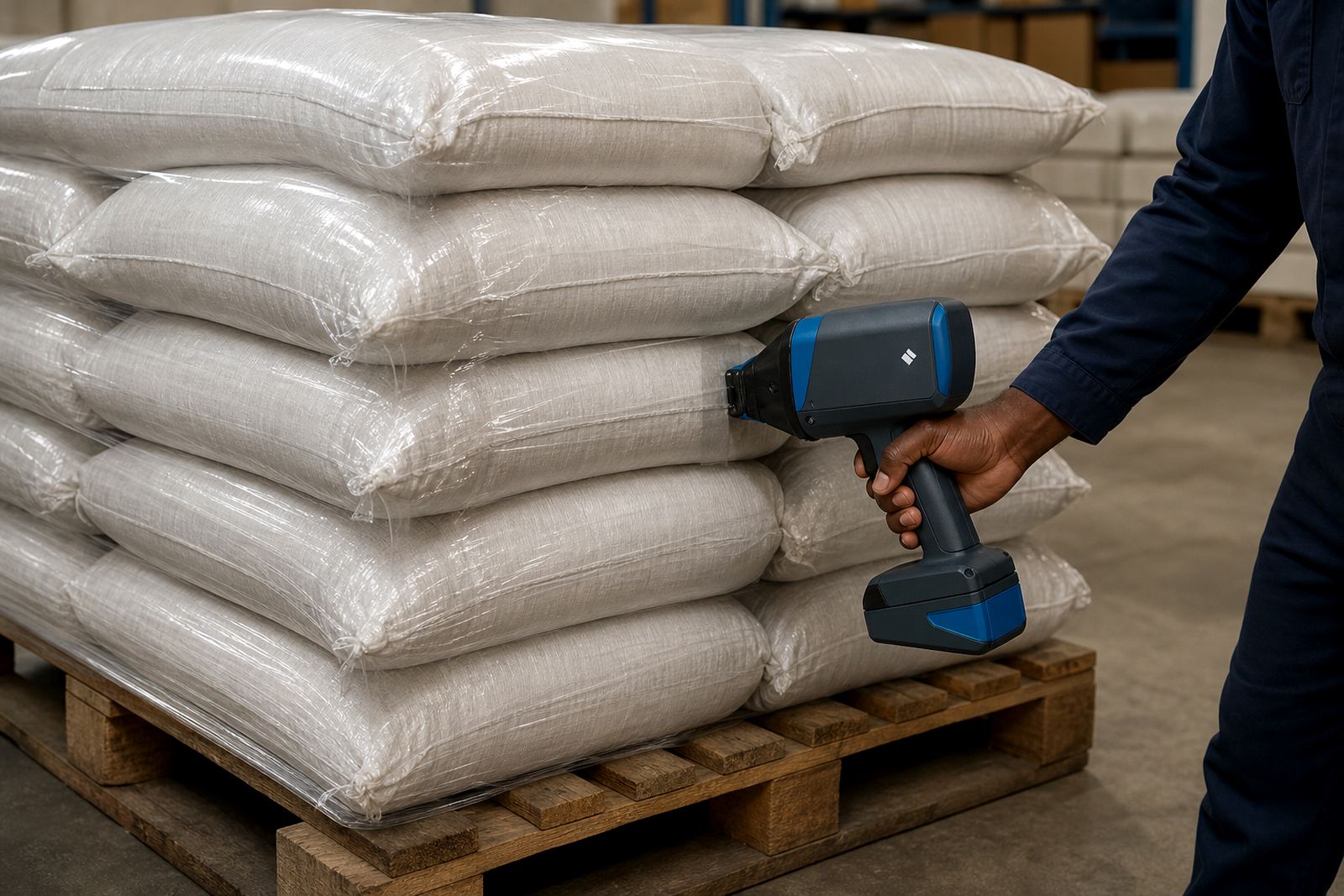
This hire unit is a portable inkjet printer for coding bags after filling or while they move along a packing table. It prints on paper sacks, woven polypropylene bags and selected plastic packaging, with text that stays readable when the bag is handled, stacked or moved through dispatch.
Print height options are usually set to suit the job, from small line coding through to larger marks for batch identification or logo placement. The print head is guided by hand, so the operator can work on flat panels, gusset areas and the cleaner parts of the bag face. For woven bags, the right ink matters because the surface can be rough and slightly open in texture.
Typical use includes food packing, grain, stock feed, building material bags and industrial packaging where batch traceability is part of the process. The unit is also suitable where product changes happen through the day and each carton or sack needs a fresh code rather than a preprinted run.
- Prints dates, batch numbers, barcodes and simple logos
- Works on paper bags, woven bags and selected plastic bags
- Handheld format for marking finished bags, sacks and loose-packed goods
Print sizes, ink choices and surface fit
The printer can be set for different character heights depending on how much information must fit on the bag panel. Smaller text is useful for compact batch coding, while larger characters help on sacks that are stacked high or inspected from a distance. Where a barcode is required, the code layout needs enough clean space and steady placement so the scan can be read properly.
Ink selection is part of the job. Solvent ink is often used where the surface is non-porous or slightly greasy. Water-based ink can suit paper bags and some absorbent surfaces. Quick-dry ink helps where bags are handled soon after coding, or where printed packs move quickly from the marking point to stacking or loading. On woven bags, the surface texture and weave pattern affect how the mark sits, so a test print is the sensible first step before a full run.
Plain coloured bags, kraft paper sacks and laminated bag faces each behave differently. The print may look darker on light bags and needs a careful setting on darker or rough surfaces. When a logo is involved, the artwork should be clean and not overloaded with tiny detail because handheld printing works best with clear shapes and strong contrast.
- Common print heights are set for compact coding or larger bag marks
- Ink options include solvent, water-based and quick-dry types
- Barcode and logo layouts need clean spacing and correct placement
Where this printer suits on packing lines
Bag marking printers suit small factories, depots, filling stations and pack-out areas where bags are sealed, checked and then stacked for delivery. In Durban and Pinetown, they are often used for warehouse stock, construction materials and agricultural packing. In Pietermaritzburg, Johannesburg, Cape Town and Richards Bay, the same unit works well where a team needs flexible coding without setting up a fixed line printer.
The printer is useful on bags that are already filled and closed, or on empty bags before filling when the print position must sit cleanly on the front panel. It also helps where packaging changes by shift, customer or product type and the code on the bag must reflect that change at once. For higher output work, the operator can move through bags at a measured pace and keep the print position consistent with the packing standard.
For sites handling different bag sizes, the same handheld unit can be shifted to smaller 5 kg packs, mid-size 10 kg or 25 kg sacks, and larger industrial bags, provided the surface area is suitable and the code layout is planned properly. That flexibility is useful where one storage bay carries more than one pack format.
- Works well for depots, filling areas and dispatch tables
- Useful on empty bags or sealed bags, depending on the bag type
- Fits changing product runs and mixed pack sizes
Hire setup, power needs and operator training
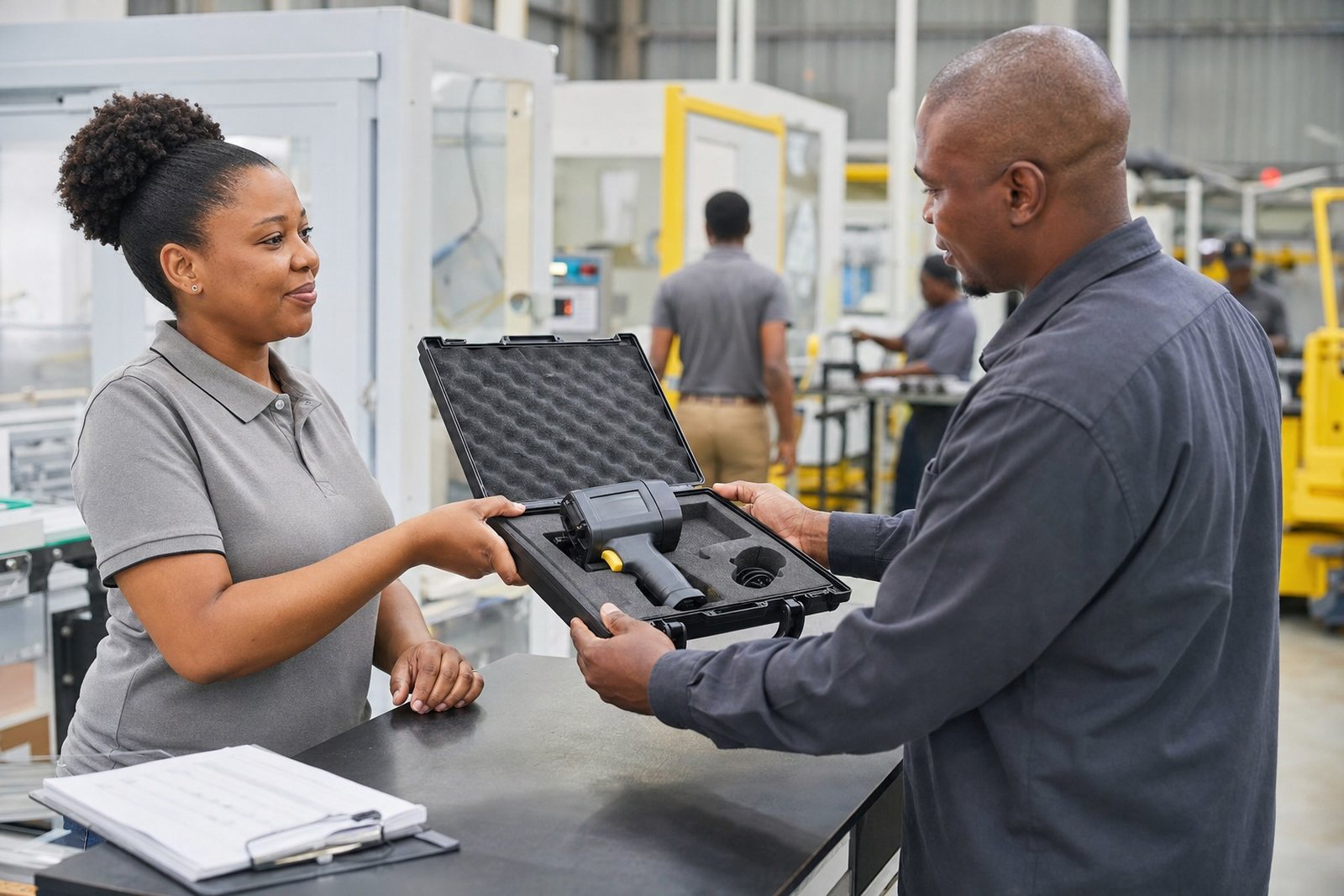
This is hired as a handheld coding tool with support for delivery and collection, on-site setup, remote setup help and operator training. The unit needs charging and a proper working space with enough room for the operator to hold the bag flat and keep the print path steady. A clean table, stable packing area and a basic test stack of bags make setup easier.
For bag marking jobs, the practical part is not only the printer but also the handling of the bag itself. A bag that is creased, dusty or damp can affect print quality, so the person loading the bags should know how to position the surface and let the ink settle. Training covers message loading, barcode setup, logo setup and test printing so the unit is matched to the exact bag style on site.
Weekly or monthly terms are available across South Africa, including Durban, Pietermaritzburg, Johannesburg, Cape Town and Richards Bay. Backup unit support is available for longer hire periods where continuity matters and the marking work forms part of dispatch or quality control.
- Rental terms by the week or month available
- Setup support includes message loading and test printing
- Training covers barcodes, logos and bag position control
Care, cleaning and handling between shifts
A handheld bag coder lasts better when the print head is kept clean and the ink path is checked before each shift. Wipe away dried ink from the nozzle area using the correct cleaning method for the ink type in use. If the printer sits unused for a period, the ink cartridge or supply path should be stored as instructed so the next print is not blocked or blurred.
On bag work, dust and loose fibres are common. Woven sacks in particular can leave fine material on the print area, which is why the operator should keep the bag face as clean as possible before coding. On coastal jobs around Durban and Richards Bay, humidity can also affect how quickly the mark dries, so the choice of ink and the time between print and stacking should be considered.
Keep spare consumables close to the work area, especially on packing days where the run is long and the marking point cannot stop for small missing items. If the print starts to feather, streak or fade, the setup should be checked before more bags move through the line.
- Clean the nozzle and print area regularly
- Store consumables correctly between shifts
- Watch for dust, fibre build-up and poor drying on humid days
What to confirm before hiring the bag printer
To match the printer to your bags, confirm the bag material, surface finish, print position and the exact information that must appear on each pack. Dates, batch numbers, barcodes and logos each need a different layout. The more detail that must fit onto the bag, the more important the character height and print area become.
It helps to know whether the bags are paper, woven or a selected plastic type, and whether they are printed before filling or after filling. A smooth laminated face behaves differently from a rough woven panel, and some bags show ink better on one side than the other. If the job involves black print on dark packaging, the contrast must be planned carefully.
Have the bag size, expected daily count and packing method ready when requesting hire. If the bags move through several sites, state where the unit will be used and whether delivery and collection are needed. The team at Handheld Printers Rental in Pinetown can match the hire unit to the bag type, the ink and the marking pattern used on your line.
- Confirm bag material, bag size and print position
- List the codes needed, including barcode or logo detail
- State whether bags are printed before filling or after filling
Key facts
| Product type | Handheld inkjet bag marking printer for hire |
|---|---|
| Typical marks | Dates, batch numbers, barcodes and simple logos |
| Suitable surfaces | Paper bags, woven sacks and selected plastic bags |
| Print height range | Small coding through to larger bag marks, set to job needs |
| Ink options | Solvent, water-based and quick-dry |
| Hire terms | Week or month hire with delivery, setup and support |