
Start with the surface, not the machine
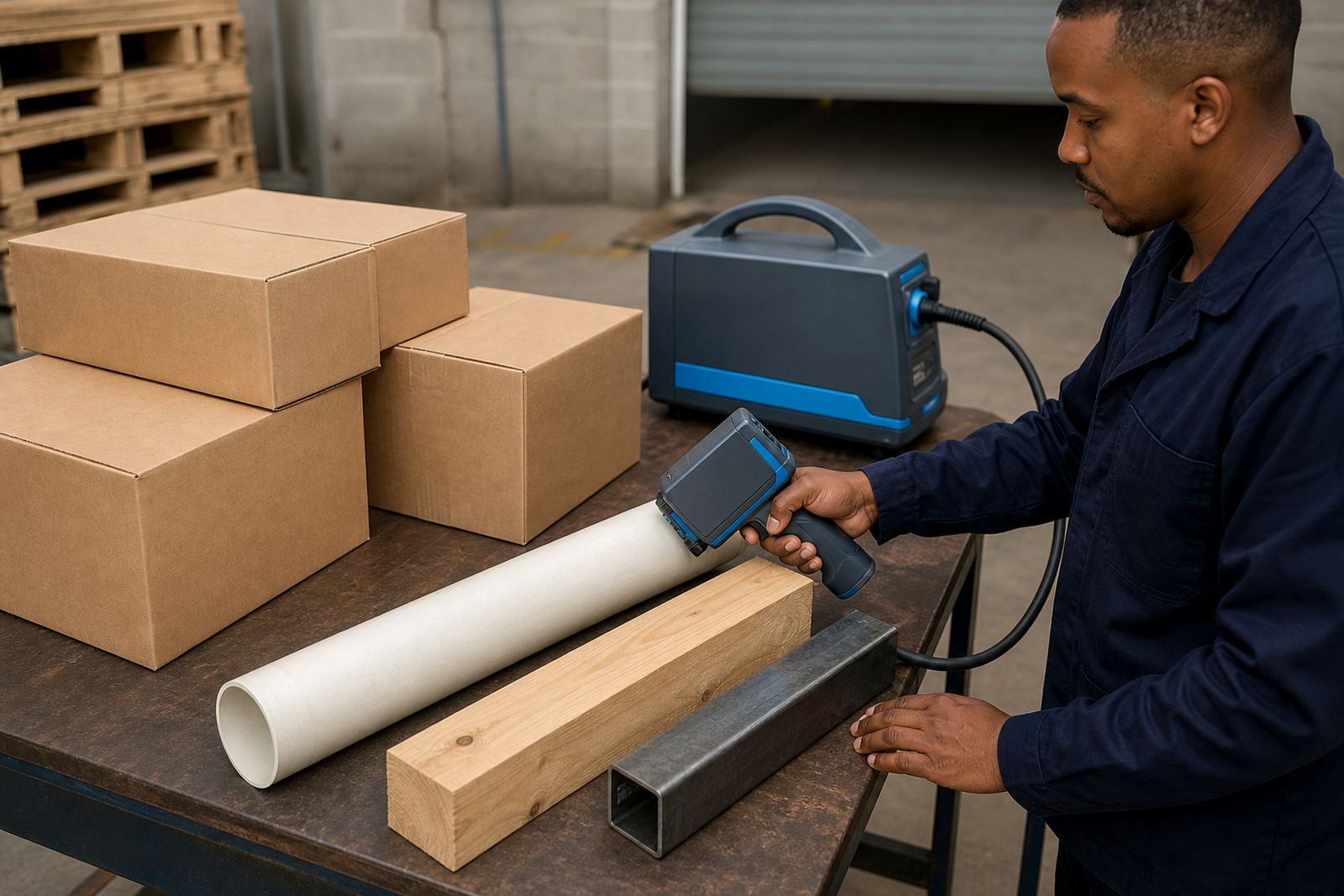
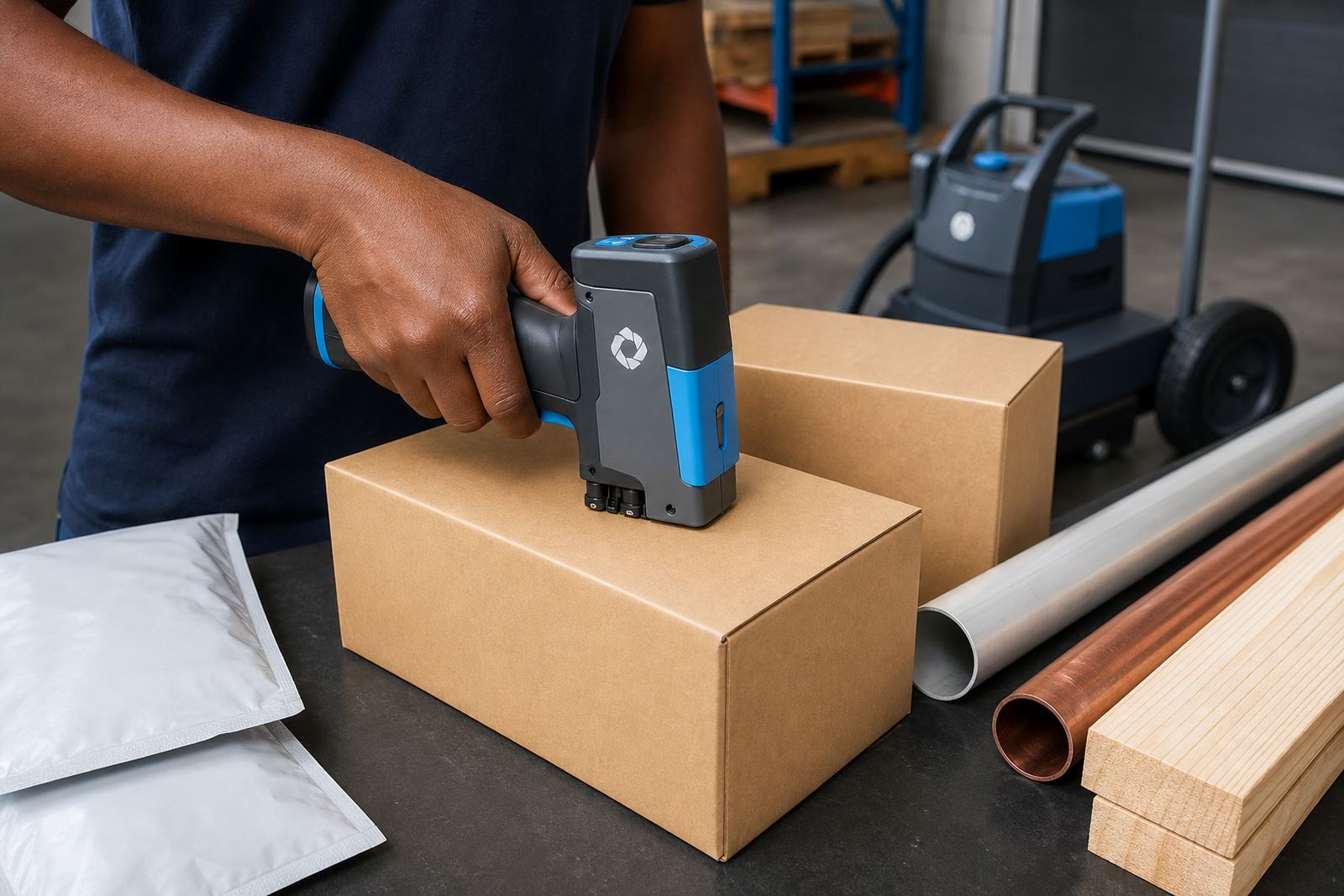
Handheld inkjet coders behave differently on corrugated cartons, plastic bags, timber and steel, so the surface comes first in the plan. A clean, dry face gives clearer dates, batch numbers and logos, while dusty timber, oily steel or damp sacks can blur the print and waste time on site.
In Durban and Pinetown, humidity can change how quickly an ink flashes off. On smooth cartons, a quick-dry ink may be the better fit, while porous board often takes a water-based option more comfortably. Steel, pipes and coated surfaces usually need solvent-based ink so the code stays legible after handling.
- Check whether the product surface is matte, glossy, porous or coated.
- Note any dust, oil, moisture or condensation before hire starts.
- Confirm if the code must sit on a flat face or curved pipe.
- Keep a few sample items aside for test printing before production starts.
Set the message before the first box moves
A short-term coding job should not begin with guesswork on the day. The message usually needs a date, batch code, shift code, logo or barcode, and each element must be checked for spacing and print height before the run begins. A crowded message on a narrow carton panel can become unreadable, so layout matters just as much as ink choice.
For weekly hire, it helps to know whether the message changes daily or stays fixed for the full hire period. If the code changes often, the operator should keep a clean template and a spare set of samples for test prints. When barcodes are included, the width, contrast and placement need extra care so scanners read them properly at dispatch.
- Write out the exact text, numbers and symbols for the code.
- State whether the logo is one colour or simple line work.
- Confirm the barcode type and the space available on the pack.
- Keep spelling, punctuation and numbering format consistent across all goods.
Match print height to the job
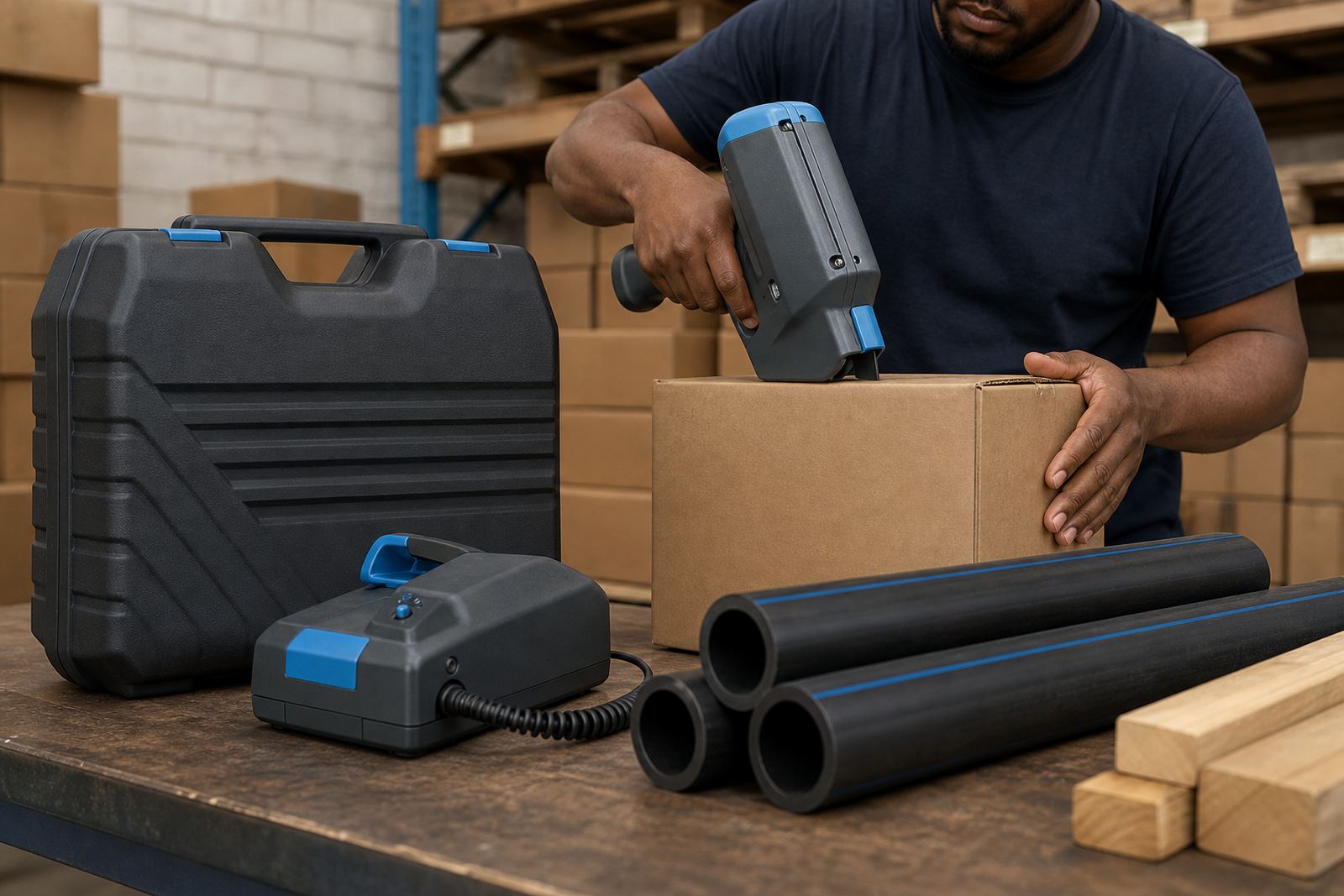
Handheld printers are useful because the print height can often be set for small carton marks or larger codes on timber and steel sections. A narrow pack may only need a compact line of text, while a bigger pipe or beam can take a taller mark that stays visible through handling and stacking. If the print is too tall for the space, the message can distort at the edges.
For weekly hire planning, measure the available print area rather than estimating it by eye. A ruler or tape measure saves trouble when the pack size changes from one shift to the next. On irregular timber surfaces, a slightly smaller print often gives a cleaner result than forcing a large block onto rough grain.
- Measure the usable print zone in millimetres.
- Allow for seams, folds, ridges and handles on cartons or bags.
- Check whether the operator can keep a steady pass along the surface.
- Test the chosen height on at least one sample item first.
Choose the hire term around the workload
Weekly hire suits short production runs, seasonal packing, urgent project work and sites that need a coder only for a defined stretch of time. Monthly hire works better when the same line keeps running, the code format stays stable, or the job stretches over several dispatch cycles. The right term is less about the calendar and more about how often the code changes and how many items need marking.
In a Durban warehouse, one pallet line may need dates and batch numbers for seven days only, then stop. In Johannesburg, a timber yard might keep the printer on hand for a month while stock moves through treatment, grading and dispatch. Those are different patterns, so the hire period should fit the production rhythm rather than the other way round.
- Count the number of days the code will actually be needed.
- Note whether the product line runs in bursts or steady shifts.
- Allow for changeovers if one product needs a different message.
- Include a backup plan if the job continues longer than expected.
Training, setup and the first test print
A clean first day depends on setup help and operator training that match the actual job. The person using the printer should know how to load the message, check nozzle alignment, select the ink, and keep the print steady on moving cartons or fixed timber. If the work involves barcodes, the operator also needs to know where scan quality can go wrong.
Test printing is worth doing before the main run starts. One or two marked samples can show whether the code sits straight, whether the ink bonds properly, and whether the logo needs resizing. That small check can prevent a full batch from carrying a faint or shifted mark.
- Train the operator on cleaning, priming and message loading.
- Run a sample print on the exact packaging or surface.
- Check barcode readability with the scanner used on site.
- Keep spare consumables nearby for the whole hire period.
Local conditions that change the plan
Coastal air in Durban and Richards Bay can affect drying, especially on smooth packs and coated surfaces. Inland yards in Pietermaritzburg or Johannesburg may face more dust, which means the surface should be wiped down before marking starts. Timber that has just been cut, or steel that still carries light oil, usually needs extra attention before coding begins.
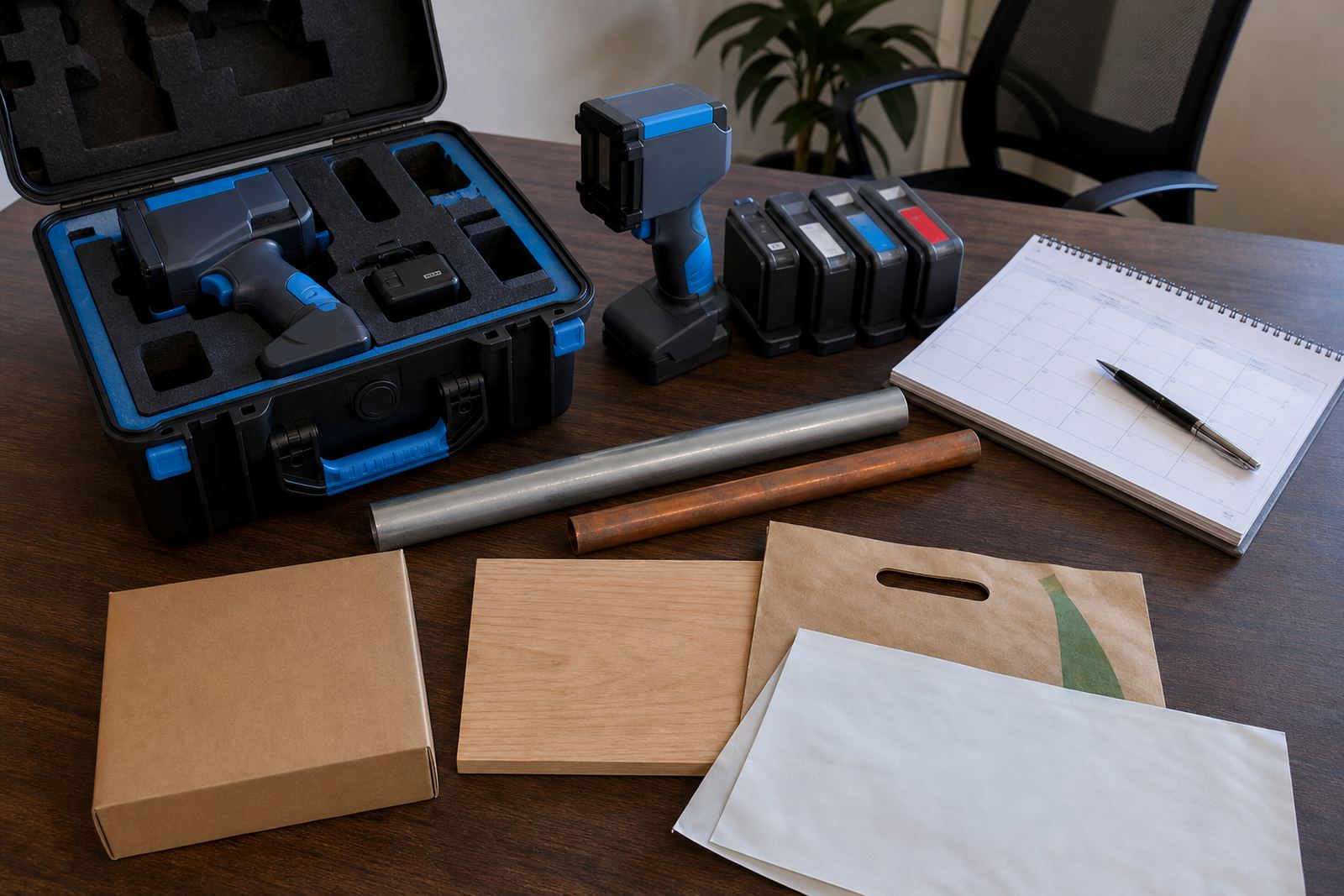
A practical hire plan also includes delivery and collection, plus a backup unit if the job cannot pause for a fault. When the job covers several branches or storage points, the printer should travel with the right ink, message notes and sample packs so the team does not waste time sorting details after it arrives. Small checks at the start save a lot of handwork later.
For a short-term rental, the best preparation is plain and careful. Know the surface, set the message, test the print, and keep the ink matched to the material. That is usually enough to keep a coding job moving without unnecessary stoppages.