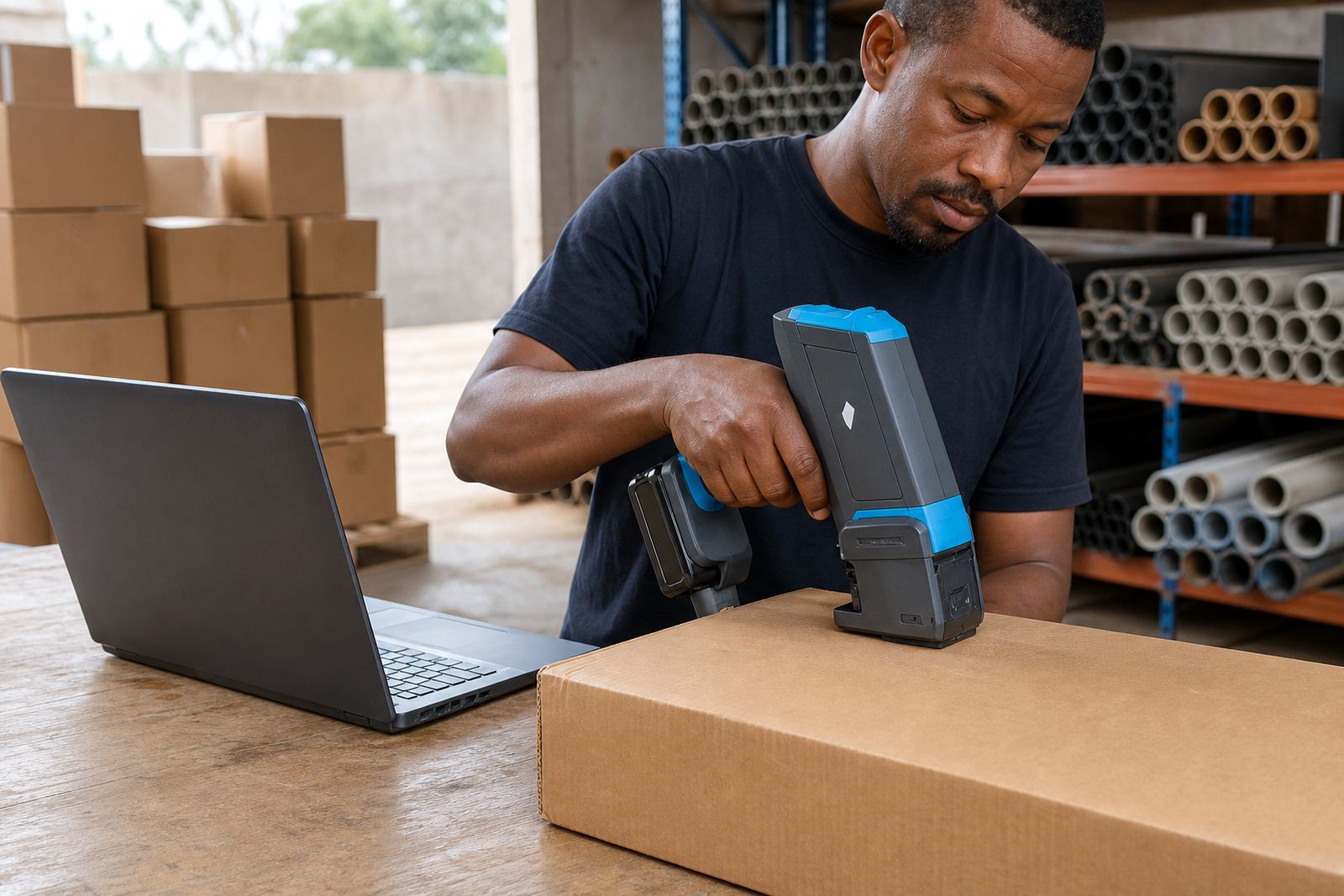
Loaded correctly before the first mark
Message loading is the part that turns a handheld printer from a machine in hand into a tool that can do the job on site. We set the print content, check the layout, and make sure the message fits the surface and the print head size. That matters when the pack line changes from small cartons to larger sacks, or when a pipe marking needs a cleaner line than a timber stencil would allow.
The work usually covers date fields, batch numbers, shift codes, product names, expiry lines and logo placement. Where a barcode is needed, we prepare the file so the scan bars stay clear and readable after printing on the chosen material. For short text, a 12 mm head may be enough. Wider blocks of text, logos or multi-line messages often need 18 mm or 25 mm print height options.
What we prepare in the message file
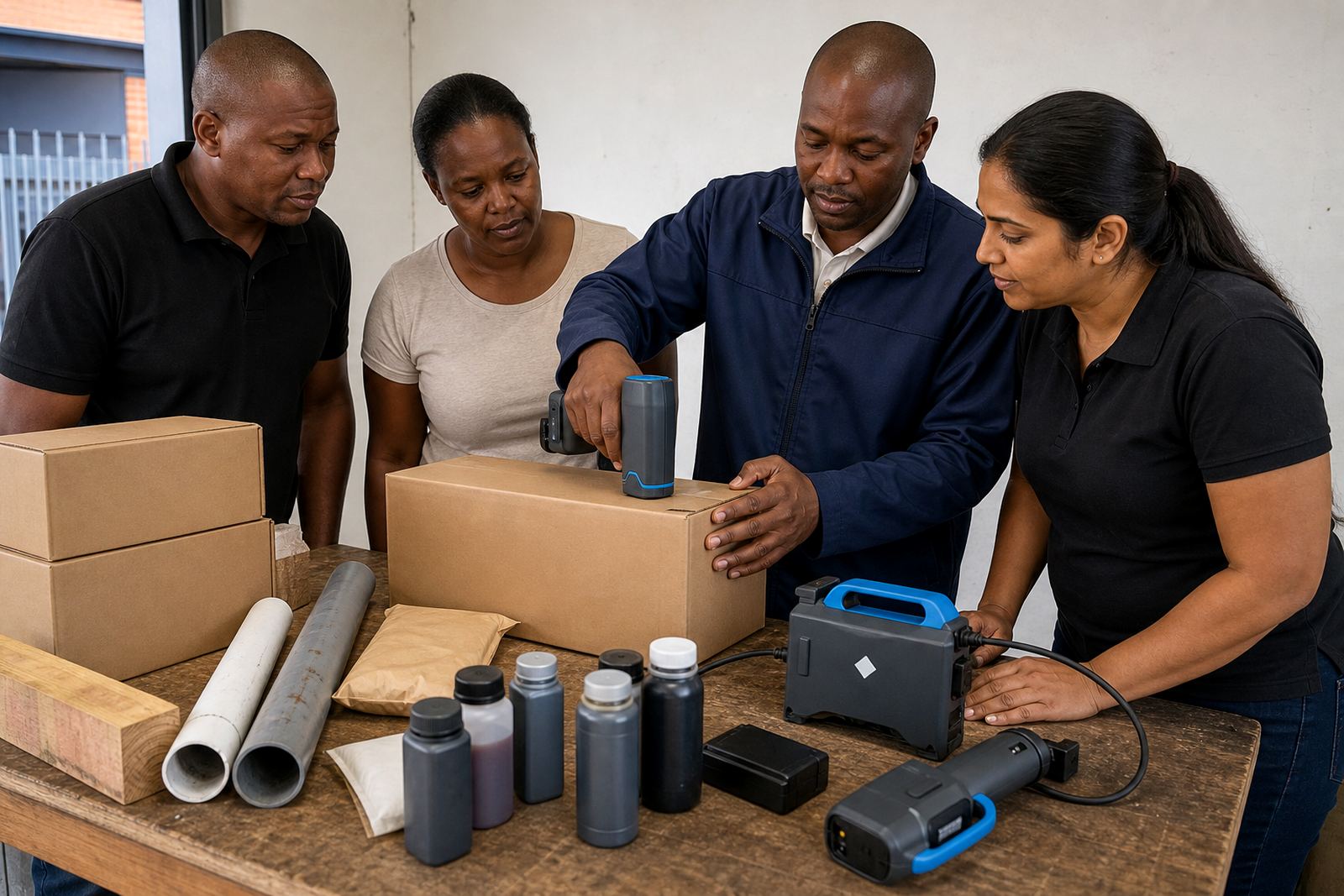
Different surfaces take ink in different ways, so the message setup is never just typing words into a device. Smooth film, kraft cartons, painted steel and dry timber all need a different approach to spacing, contrast and ink choice. We keep the message simple where the surface is uneven, and we widen the layout when the panel allows it.
- Date and time fields with clear format control
- Batch, lot and shift code lines
- Barcodes for product identification and stock control
- Single-colour logos and simple symbols
- Optional variable text for changing runs
- Message spacing sized for the chosen print height
Water-based ink suits porous materials such as cartons and untreated timber. Solvent ink is better for non-porous surfaces like some plastics, coated packs and painted steel. Quick-dry options help where handling starts soon after marking and the item moves down the line or into storage without much delay.
How the setup work is done
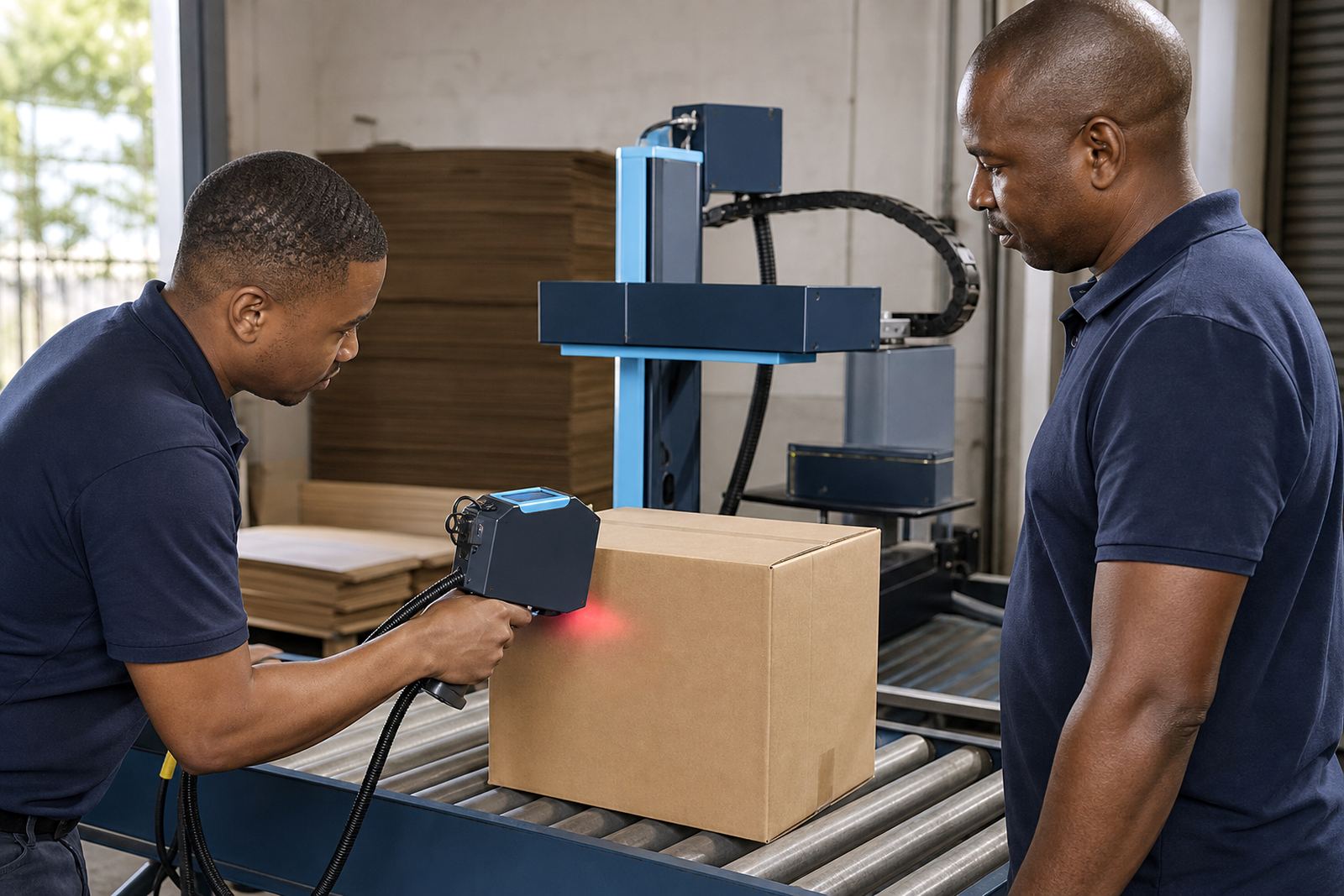
We start with the message content, the print surface and the printer model being hired. That lets us build the file in the right format and keep the file size practical for the handheld unit. If the job needs a barcode, we check the width, the quiet zone and the direction of travel before the file is loaded. For logo work, we usually clean up the artwork so thin lines do not break on rough material.
- Review the wording, code format and print area
- Select the print height that suits the surface
- Load the message into the handheld unit
- Run test prints on sample material
- Adjust spacing, contrast or alignment if needed
- Hand over the settings for use on site
For larger teams, we can also prepare more than one message file, which helps when one line is for cartons and another is for pipes or timber lengths. Where the operator needs a different language line or a clean supplier code, we keep the file structure neat so swapping between messages stays manageable.
Hire terms that fit short runs and longer schedules
Message loading is often tied to a weekly or monthly hire, especially when the marking work runs across several pallets, batches or production days. The printer hire, ink supply and file preparation can be arranged together, which keeps the job moving without separate sourcing for every small item. That suits short packaging runs in Durban as well as larger distribution work sent into Johannesburg, Cape Town, Pietermaritzburg and Richards Bay.
Pricing depends on the number of messages, the number of revisions, the print height needed, and whether barcode setup or logo cleanup is included. A clean one-line batch code takes less preparation than a multi-line logo and barcode file. Where the surface is tricky, the ink choice can also affect the setup time and the material needed for testing.
We keep the approach practical. The quote follows the message work required, the printer type, and the hire period. If a job needs spare inks, extra messages or a backup unit, those are listed clearly so the hire period is matched to the real production load.
Pinetown base, South African delivery routes
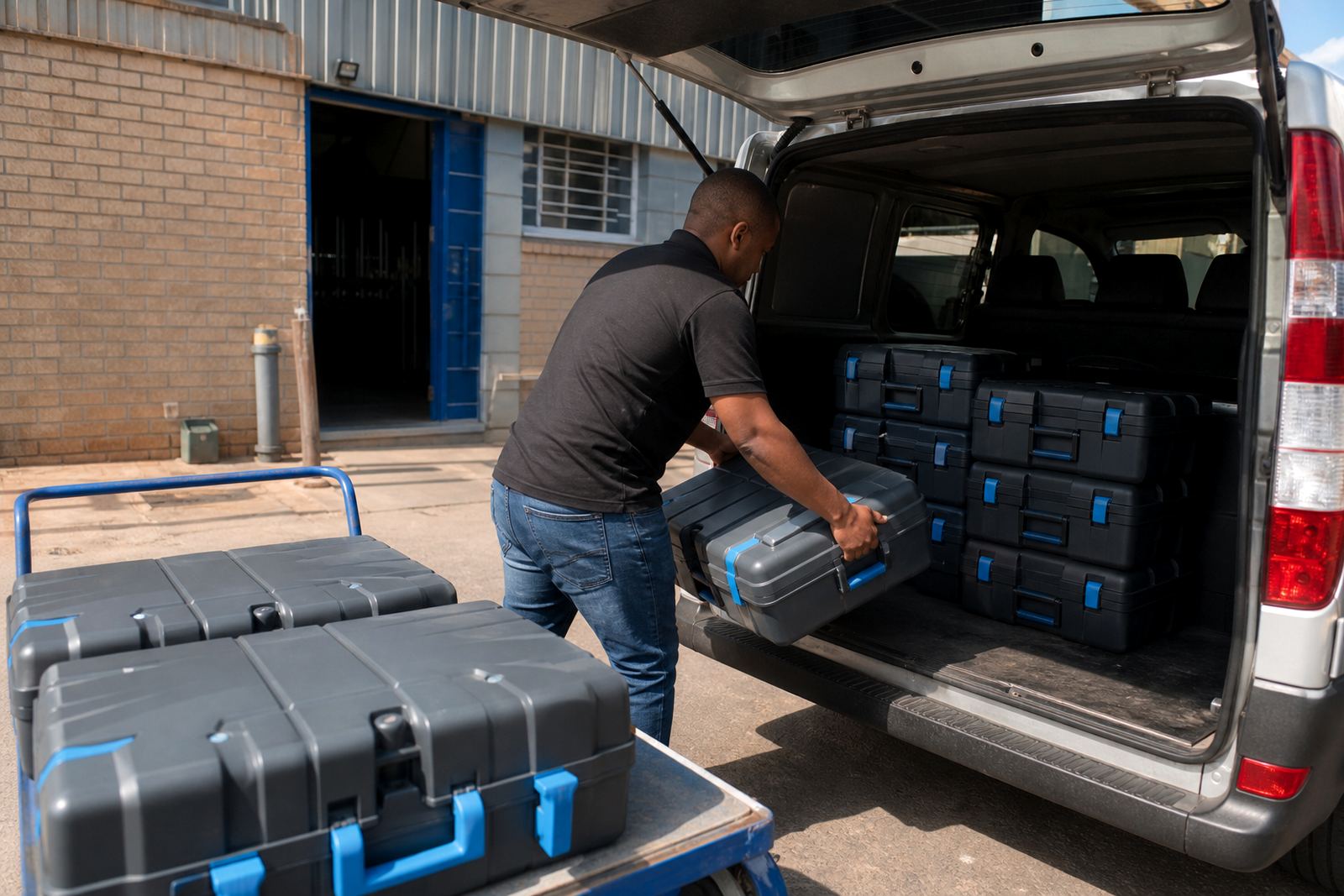
Our base in Pinetown supports handheld printer hire and message loading across Durban and nearby industrial areas, including Westmead and New Germany. We also supply and support hires into Pietermaritzburg, Johannesburg, Cape Town and Richards Bay, with delivery and collection arranged around the job and the site location. That helps if the printer is needed at a warehouse, a timber yard, a packing room or a steel fabrication floor.
For on-site work, we can assist with the printer setup, message loading, test printing and operator handover. Remote setup help is also available when the equipment is already on hand and the client only needs the file prepared or adjusted. The same support covers consumables, so the right ink type is matched to the material before marking starts.
Aftercare once the printer is in use
Once the message is loaded, support continues around the actual print result. If the code smudges, the logo breaks up or the barcode scans badly, we look at the message file, the ink choice and the print height first. Often the fix is a small change in spacing or contrast rather than a full rework. On rough timber or dusty steel, the prep may need a cleaner surface or a different ink formulation, and we can advise on that before the next run starts.
- Test prints for first-time use and repeat runs
- Backup unit support where a line cannot stop
- Consumables supply matched to the surface
- Troubleshooting for spacing, blur or weak contrast
- Training support for operators handling the unit
We prepare messages for current hires, including dates, batch numbers, barcodes and logos matched to the printer setup and marking area. From there, the file work can be aligned to the material, the printer format and the marking area without guesswork.
Key facts
| Service | Message loading for handheld inkjet coders |
|---|---|
| Print heights | 12 mm, 18 mm and 25 mm options |
| Ink types | Solvent, water-based and quick-dry |
| Common surfaces | Cartons, bags, pipes, timber and steel |
| Message types | Dates, batch numbers, barcodes and logos |
| Hire terms | Weekly and monthly |
| Coverage | Pinetown, Durban and selected South African delivery areas |