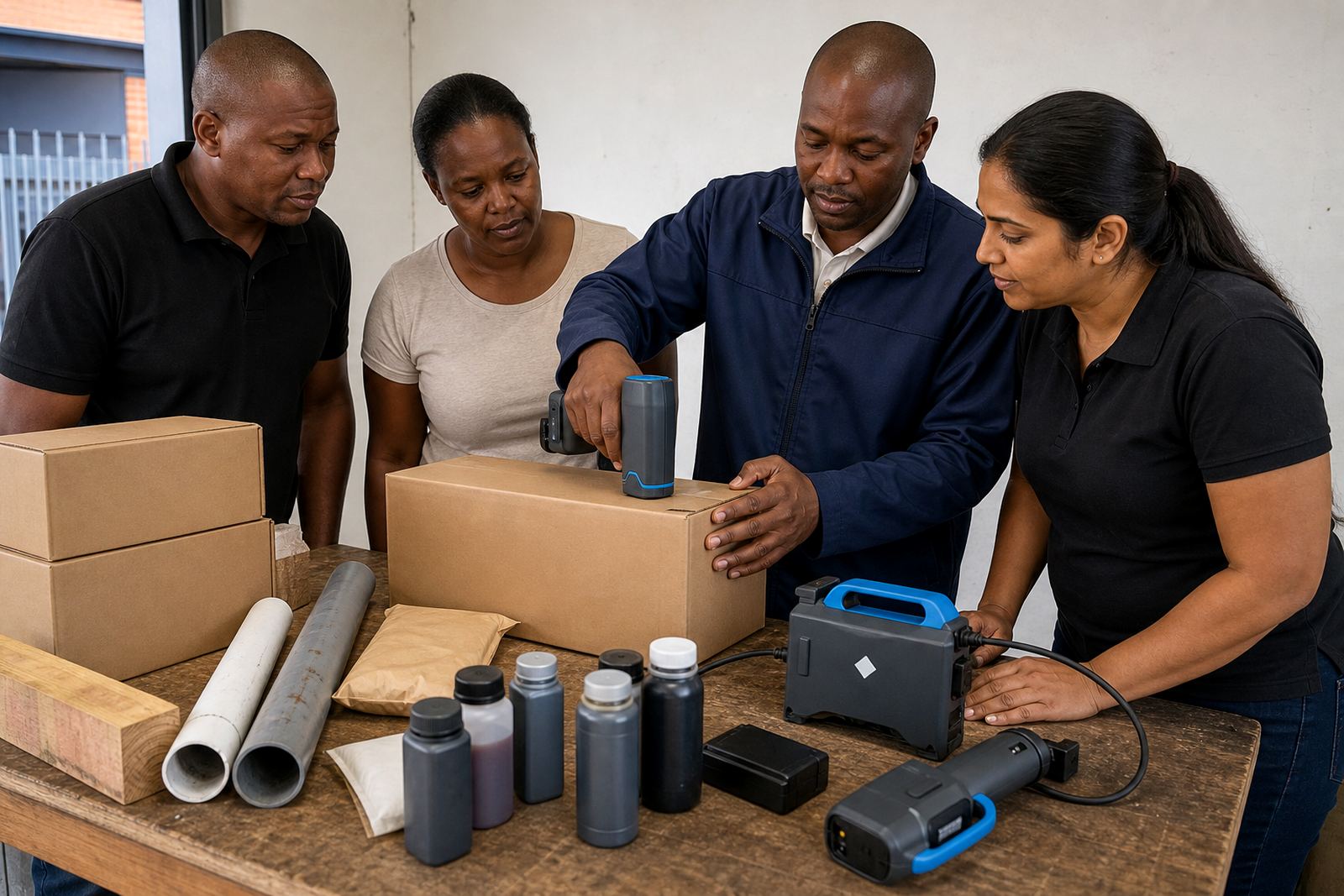
Hands-on training for the people who run the coder
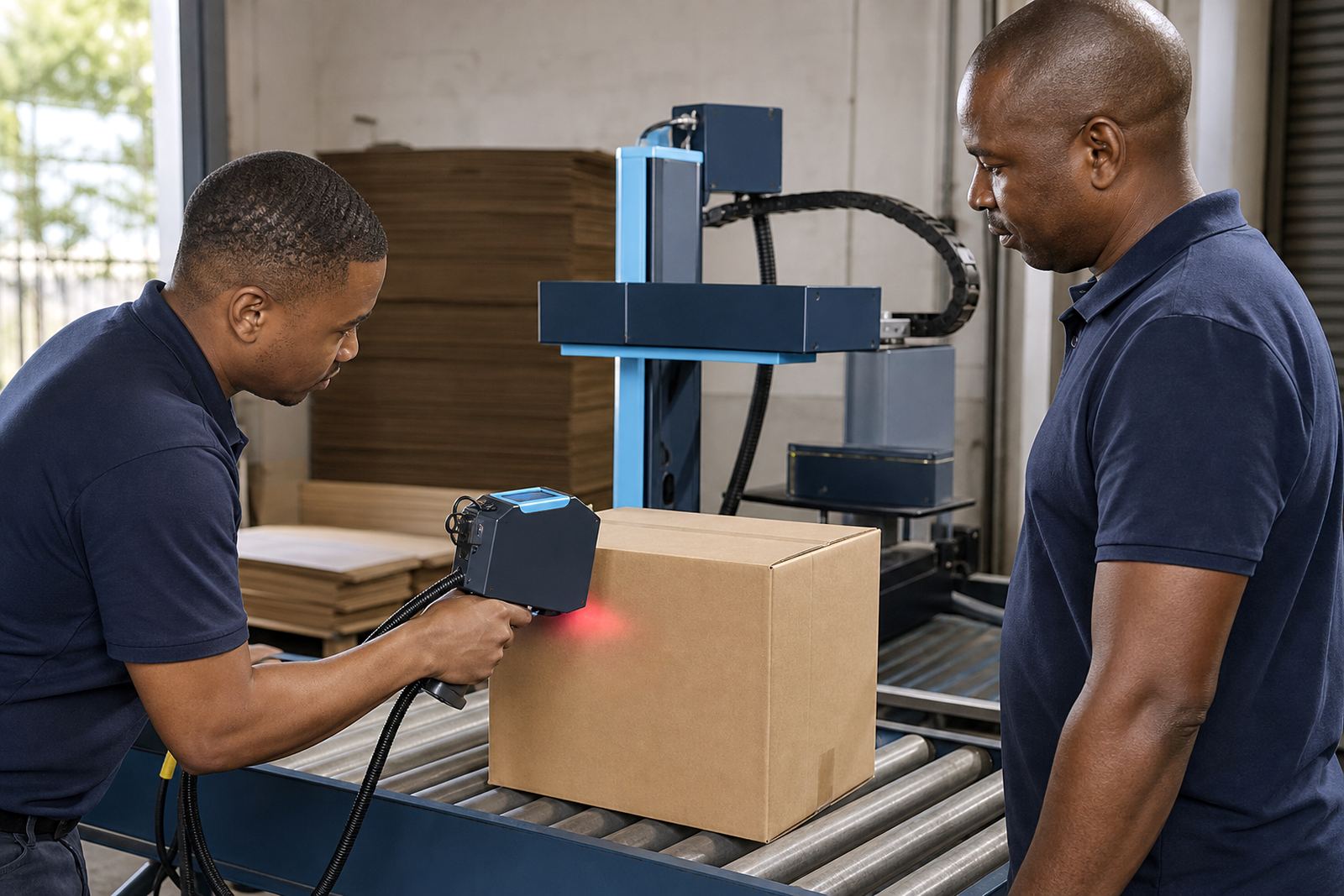
Training is built around the way handheld inkjet printers are used on site. We cover the controls, screen menus, message loading and the checks that help keep dates, batch numbers and logos clear on the job.
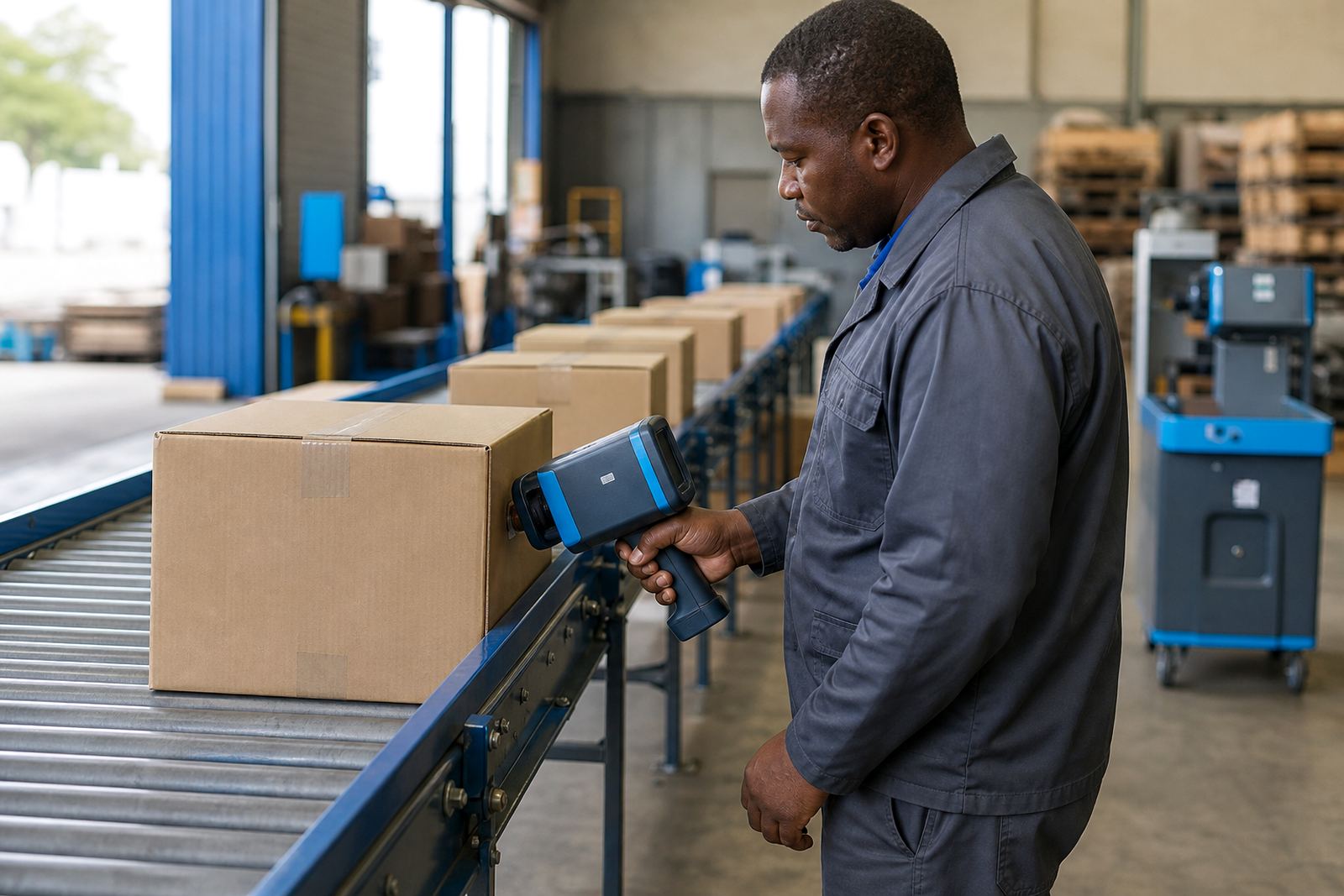
The session also covers grip, print angle and moving at a steady pace across cartons, timber, pipe, bags and coated steel. For many sites in Pinetown, Durban, Pietermaritzburg and Johannesburg, the main need is not a long theory lesson, just practical instruction that helps operators work cleanly and avoid waste.
- Message changes and stored text entries
- Print head care and basic cleaning steps
- Print height setting and character spacing
- Barcode, logo and date code checks
What the training covers on a real shift
Operators are shown how to load a new message, confirm the correct print height and check whether the ink is landing evenly on the surface. The training also explains how to read the test print and spot light areas, blur or misalignment before a full run starts.
We go through the practical parts that matter on rentals, including battery care, cartridge fitting and simple fault finding. When the job changes from smooth carton board to a rough timber face or a curved pipe, the operator needs to know how surface texture affects the print.
- Solvent inks for quicker dry times on non porous surfaces
- Water-based inks for porous cartons and timber
- Quick-dry options for faster handling on busy lines
- Print heights commonly set between 12 mm and 25 mm, depending on the coder and job
How the training session is put together
Training can be done on site during delivery and setup, or as a separate session for the team that will run the machine. The teaching is kept practical, with real examples from your own product packs, pipe offcuts or timber lengths where possible.
We show the operator how to load the message, check the ink type, test the print and clear simple errors before production starts. For teams spread between shifts, one session can cover a few operators so the machine is handled the same way each time.
- On-site setup and operator handover
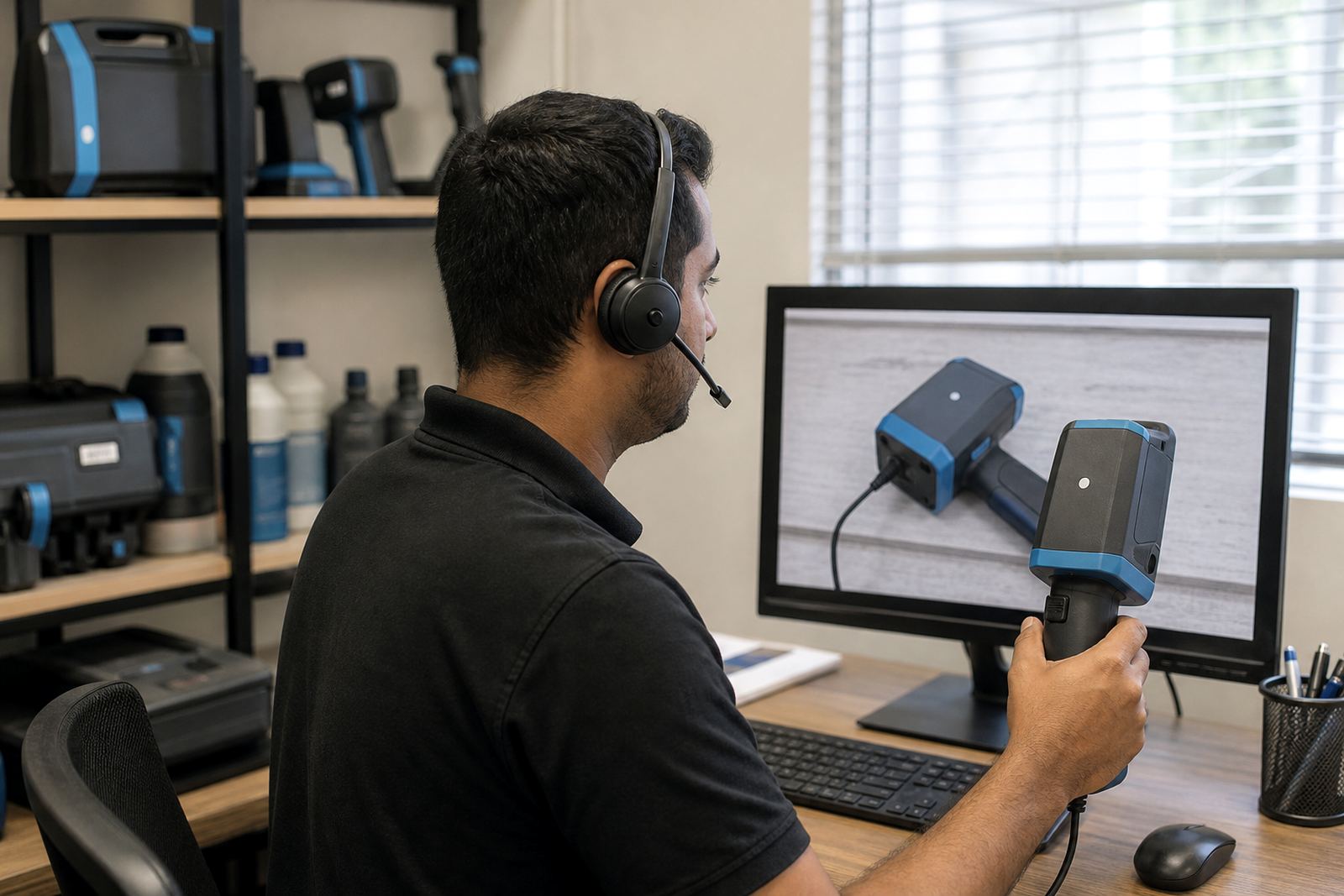
- Remote setup help where the printer is already on site
- Training for new staff or relief operators
- Barcode setup and logo setup where needed
Hire terms and pricing approach
Training is linked to weekly and monthly hire terms, so the session fits the period the handheld printer is on site. Pricing depends on the model hired, the level of setup needed and whether the job needs barcode configuration, logo loading or extra operator time.
There is no one flat method for every site. A small Durban hire for carton coding will not need the same support as a multi-location rollout into Cape Town, Richards Bay or Gauteng, where several operators may need instruction across different shifts.
Consumables, test printing and backup unit support can be added to the hire where the job needs it. That keeps the equipment, ink choice and operator training aligned with the actual work instead of leaving the team to improvise.
Aftercare for operators and supervisors
Once the first session is done, the site still has access to troubleshooting support tied to the rental. That helps when a message needs changing, the print looks uneven, or the operator wants to confirm the right setup for a new carton size or pipe diameter.
Supervisors often ask for a short refresher when a second shift starts or a new worker takes over. That is common on coastal sites where humidity can change how fast an ink dries on cardboard or timber, so the checks have to stay consistent.
- Help with print checks after message changes
- Guidance on surface matching and ink choice
- Support for operators using the unit on different materials
- Backup unit support where continuity matters
Where the training is used most often
Handheld printer training is used on sites that need coding on cartons, sacks, pipe lengths, timber packs and steel parts. It is common for rental customers to need one machine for a short campaign and a few trained hands who can keep it moving without confusion.
Across Pinetown Hire, Durban Hire, Westmead, New Germany, Pietermaritzburg, Johannesburg, Cape Town and Richards Bay, the same basics matter: clear messages, steady printing and an operator who knows how to check the result before stock leaves the floor.
- Carton coding for dates and batch details
- Pipe marking for sizes, shifts and traceability
- Timber marking for pack identification
- Logo and barcode printing where the surface allows it
Key facts
| Machine type | Handheld inkjet coder for portable marking |
|---|---|
| Print height | Typically 12 mm to 25 mm depending on unit and job |
| Ink options | Solvent, water-based and quick-dry inks |
| Surfaces | Cartons, bags, pipes, timber and steel |
| Hire terms | Weekly and monthly rental options |
| Coverage | Pinetown, Durban and major South African centres |