Slim coding for tight print windows
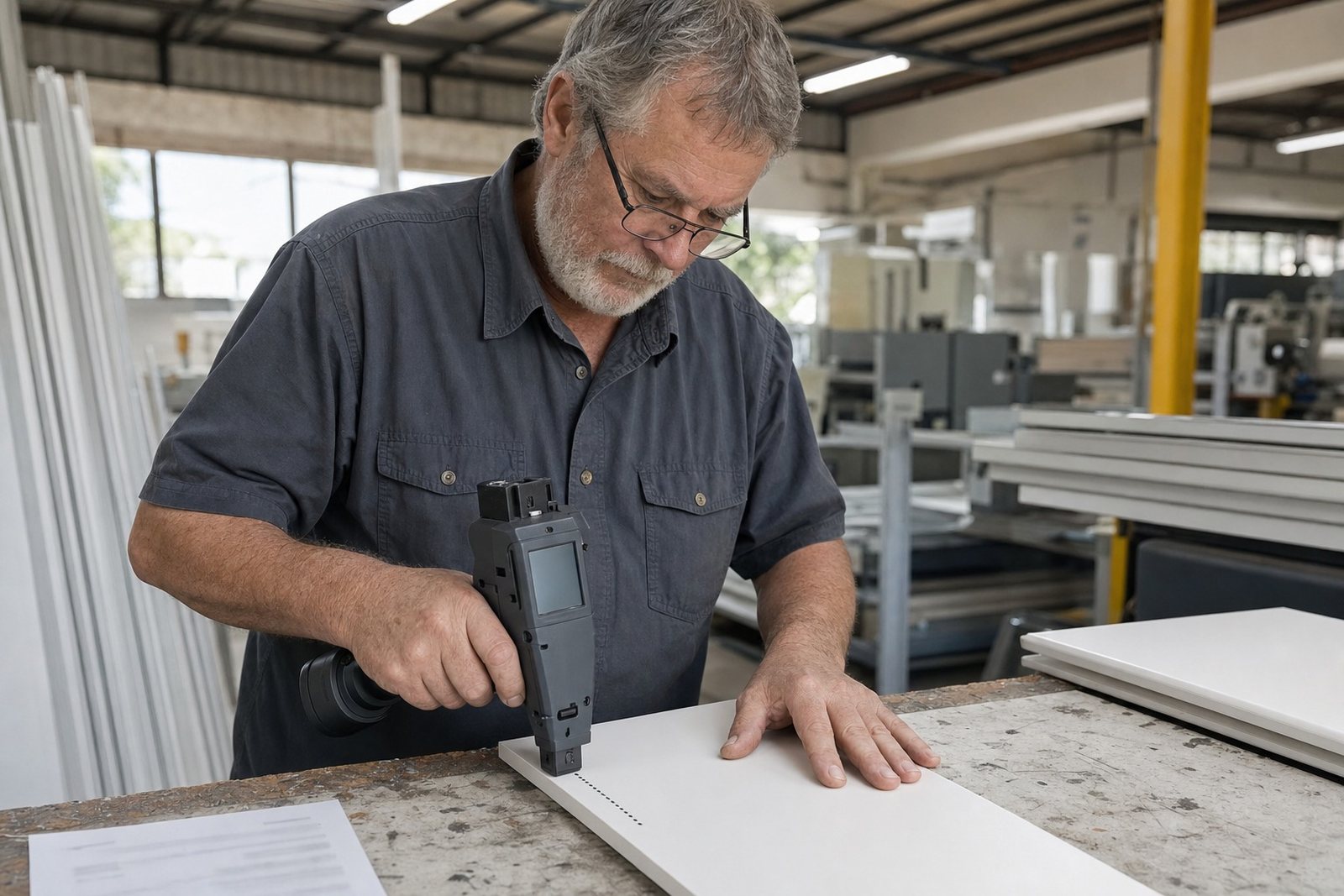
This unit is set up for short marks that need to sit neatly inside a narrow area, especially on packaging lines, timber lengths and pipe bundles. The print zone is slimmer than a standard handheld coder, which helps when the available space is measured in millimetres rather than broad panels. It works well for date lines, shift codes, batch numbers, small barcodes and logos that must stay clear without wasting surface area.
The head is useful where the operator has to print close to a seam, edge, weld line or label gap. It gives more control when the mark has to sit between straps on cartons or beside a sprayed product code on steel. On dusty sites or coastal yards around Durban, Richards Bay and Cape Town, the cleaner the surface prep, the better the result.
Print sizes and coding options
The narrow printhead unit is usually specified for compact text and short code blocks. Final layout depends on the height selected, the surface and the message length. For this hire unit, print height is commonly set in the following range:
- 2 mm to 12.7 mm single-line coding
- Up to 25.4 mm where the message is built in stacked lines
- Short barcodes or logo marks where the image width stays controlled
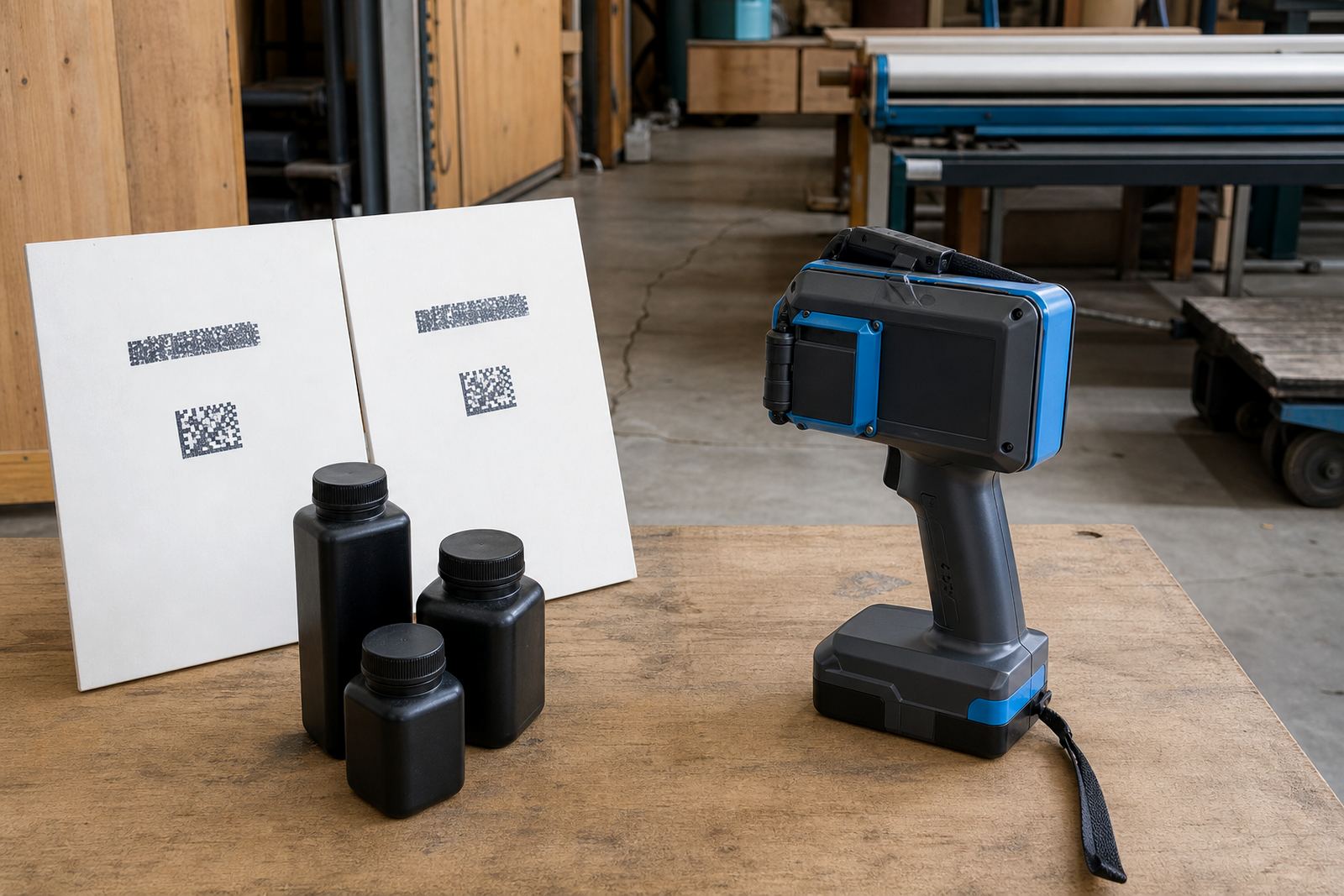
Text can be loaded as dates, batch numbers, product codes, part references and simple logo artwork. For carton work, the ink choice often leans toward quick-dry or water-based options. On timber, steel and coated pipes, solvent-based ink is often the safer pick because the mark needs to bite into the surface and stay legible after handling. We also check whether the message needs a high-contrast black mark, a fast drying line or a lighter code for a coloured background.
Where the narrow head earns its keep
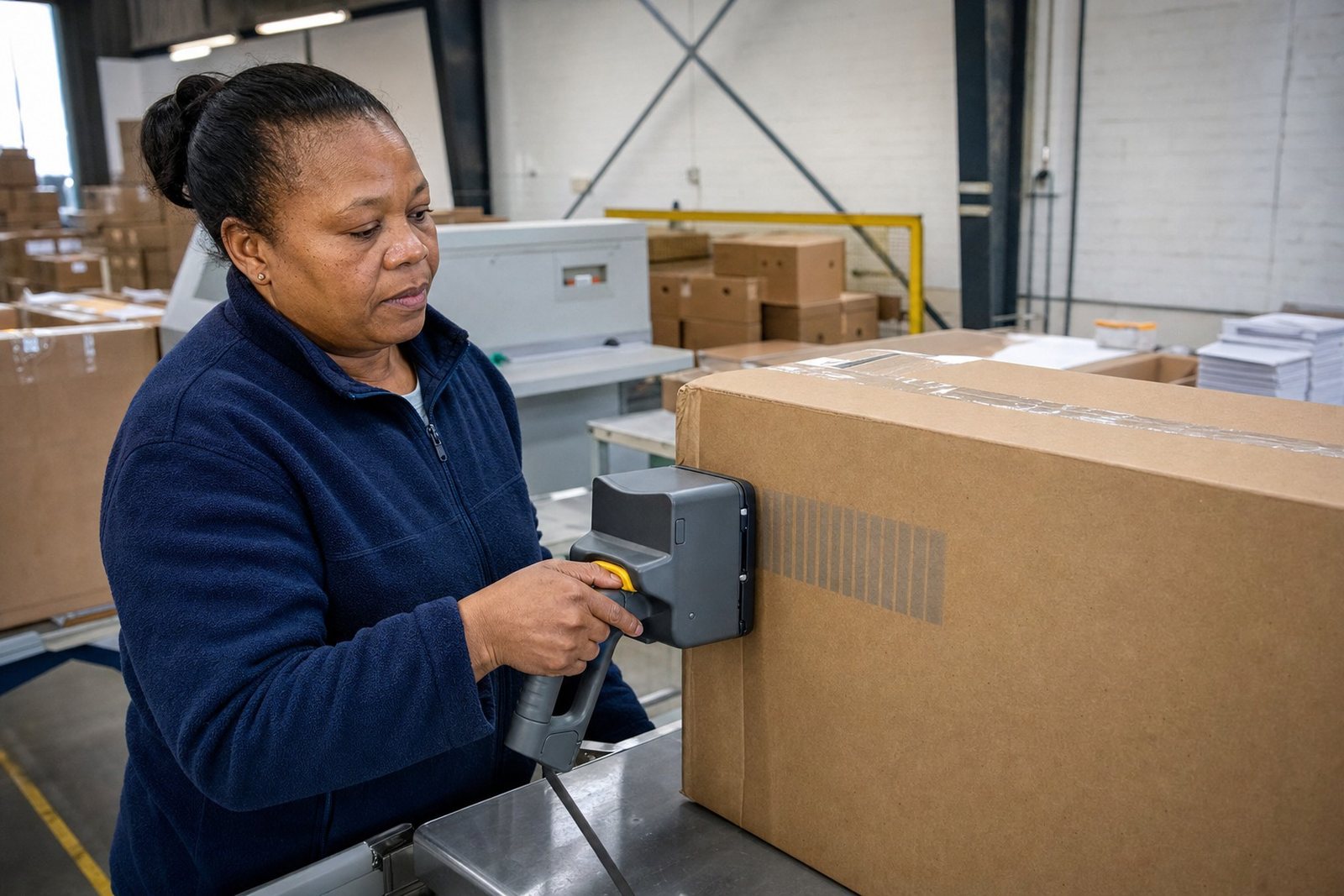
This format suits jobs where space is limited and the mark must stay tidy. In Durban warehouses it is often used on cartons with crowded label areas, and on timber packs where the print has to sit between strapping points. In Pietermaritzburg and Johannesburg, it is handy for component marking, small batch identification and short run product packing. In coastal yards, the narrow head is useful when the operator has only a narrow clean strip to work with before the surface picks up dust or moisture.
- Cartons with small code panels
- Pipes with curved marking zones
- Timber packs and treated planks
- Steel sections, brackets and frames
- Bags and woven sacks with limited clear space
It also suits sites that want a neat, readable mark without oversizing the text. That matters when the code must fit alongside a company logo, a product description or a handling symbol. If the print area is short and tight, the narrow unit is usually the cleaner option.
Setup, fitting and operator handling
The unit is hired with setup help so the message, print height and ink type match the job. On-site setup is available for factory floors, packing benches and yard work, while remote setup help suits teams that only need guidance on loading the message and checking the test print. The coder is handheld, so the operator has to keep a steady pass across the surface and hold a consistent gap from the material. That matters on curved pipe, uneven timber and wrinkled sacks.
Training covers message loading, barcode setup, logo setup and test printing before production starts. If the surface is slightly oily or powdery, cleaning helps the ink hold properly. For long shifts or high-volume marking, a backup unit can be arranged so the coding work does not stall if the main unit needs a reset or cleaning.
- Message loading for dates, batch numbers and part codes
- Barcode and logo setup for repeat runs
- Test prints on the actual surface before hire starts
- Operator handover for short or mixed packing runs
Ink choice, drying and surface care
We include ink selection with the hire so the printer and ink suit the surface you need to mark. Solvent ink is commonly used on non-porous and semi-porous surfaces where grip matters. Water-based ink suits some cartons and paper-based packs, while quick-dry ink helps where handling starts soon after printing. On steel and pipes, a solvent formula often gives the best result when the surface has been wiped clean and the mark needs to stay readable through transport.
Care is straightforward but important. Keep the nozzle clean, cap the unit properly between runs and avoid leaving old ink in the head for too long. In warm stores or coastal humidity, unused consumables should be kept sealed and out of direct sun. If the unit has been used on dusty timber or powder-coated steel, a careful clean at the end of the shift helps prevent blocked nozzles and patchy lines on the next job.
Order details to confirm before hire
To match the narrow printhead unit to the job, a few points need to be clear from the start. The narrow head is not chosen only on size, it also depends on the surface, the message length and the finish expected on the code. Rental terms by the week or month are available across South Africa, with delivery and collection arranged from the Pinetown base for Durban, Pietermaritzburg, Johannesburg, Cape Town and Richards Bay.
- The material type, such as carton, pipe, timber or steel
- The print height needed, including any small text or logo detail
- The message content, for example date, batch code or barcode
- The likely surface condition, including coated, dusty or slightly curved stock
- The preferred ink type if the surface already has a known finish
- The hire term and whether backup unit support is needed
For tighter jobs, it helps to know the smallest space the code has to fit into. That allows the team to match the head width, ink and message layout without forcing a cramped result on the print line.
Key facts
| Unit type | Handheld inkjet coder with narrow printhead format |
|---|---|
| Typical print height | 2 mm to 12.7 mm single line, up to 25.4 mm stacked layout |
| Surface range | Cartons, bags, pipes, timber and steel |
| Ink options | Solvent, water-based and quick-dry |
| Hire terms | Weekly or monthly |
| Support included | Delivery, collection, setup help, training, consumables and troubleshooting |