
Why a quick wipe matters after the shift
Handheld inkjet printers move from one surface to another, and each surface leaves something behind. Fine dust from timber, adhesive residue from cartons, moisture from cold rooms, and metal grime from fabrication areas can all build up around the print head and nozzle plate. If that build-up is left in place, print edges start to soften and small gaps appear in batch codes or barcodes.
Cleaning between runs is not about overhandling the unit. It is about stopping dried ink and surface debris from settling into the parts that shape the print. A clean print head gives better line definition, steadier character height, and fewer marks that need to be reworked on the floor.
The parts that need the most attention
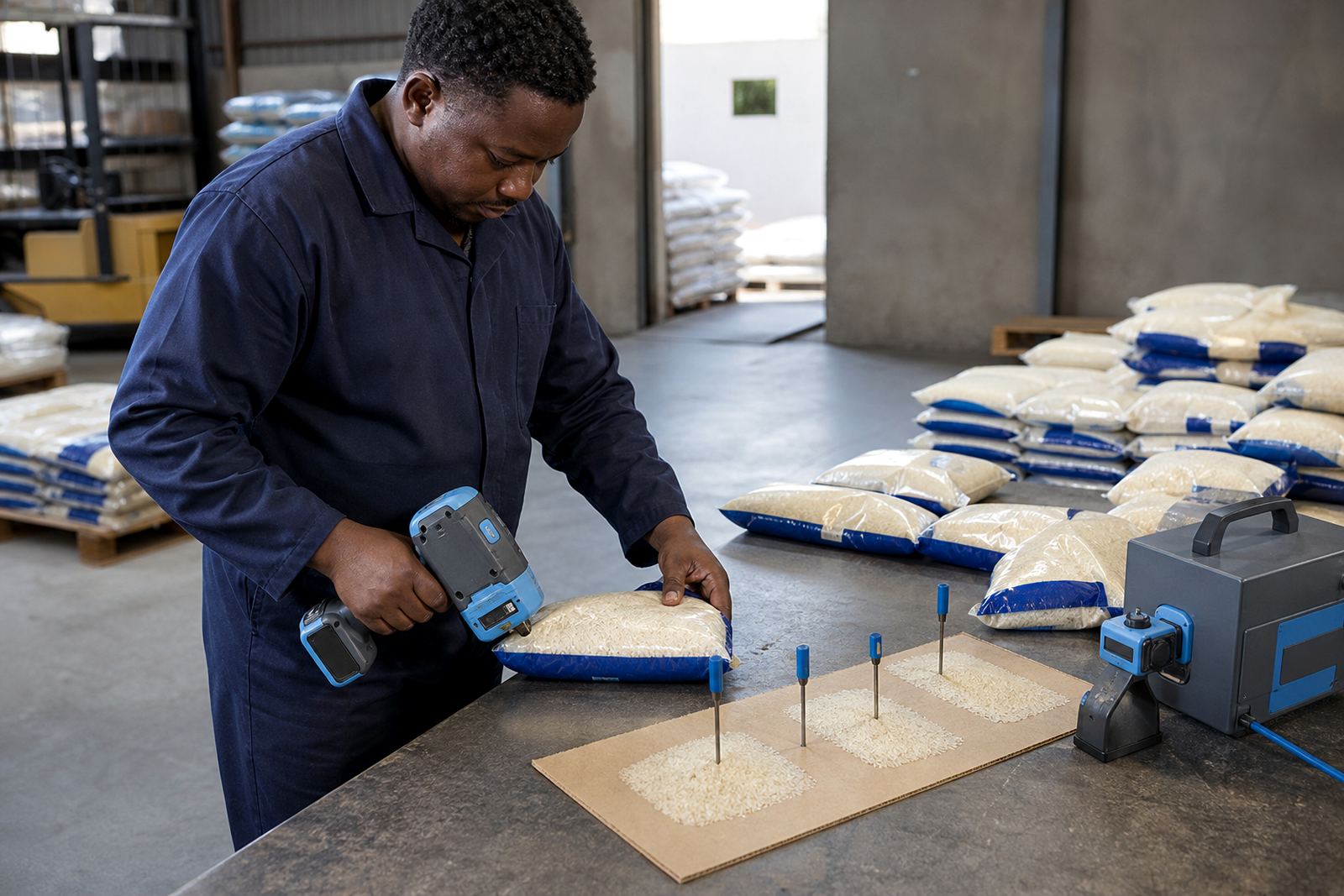
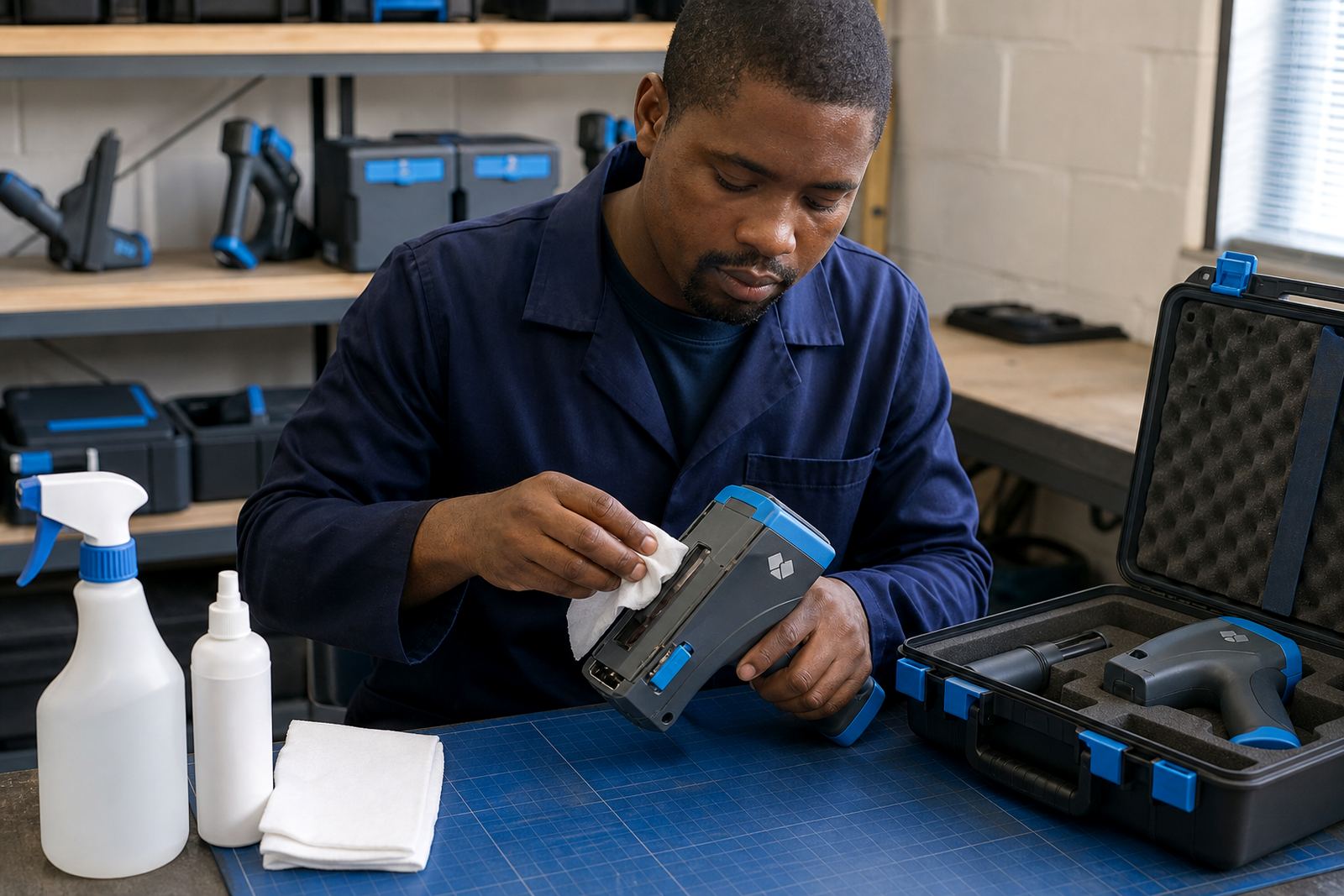
Most cleaning routines focus on a few practical points. The print head, nozzle face, encoder area, cartridge seating point and outer casing pick up the most residue during a normal shift. If the unit has been used on a dusty pallet yard in Pinetown or on damp bags near Durban harbour, those areas deserve a careful wipe before the next job starts.
Use lint-free cloths and the cleaner recommended for the ink type in use. Solvent-based ink leaves different residue from water-based ink, and quick-dry formulations can skin over fast if the nozzle is left exposed. A small amount of clean solvent on the correct cloth can help remove build-up, but too much liquid can spread dirt or push it deeper into the printer body.
- Wipe the print face gently, not hard.
- Keep cloth fibres away from the nozzle edge.
- Check the cartridge area for dried ink rings.
- Close caps and covers after cleaning.
- Store the unit upright where possible.
When cartons, pipe and timber behave differently
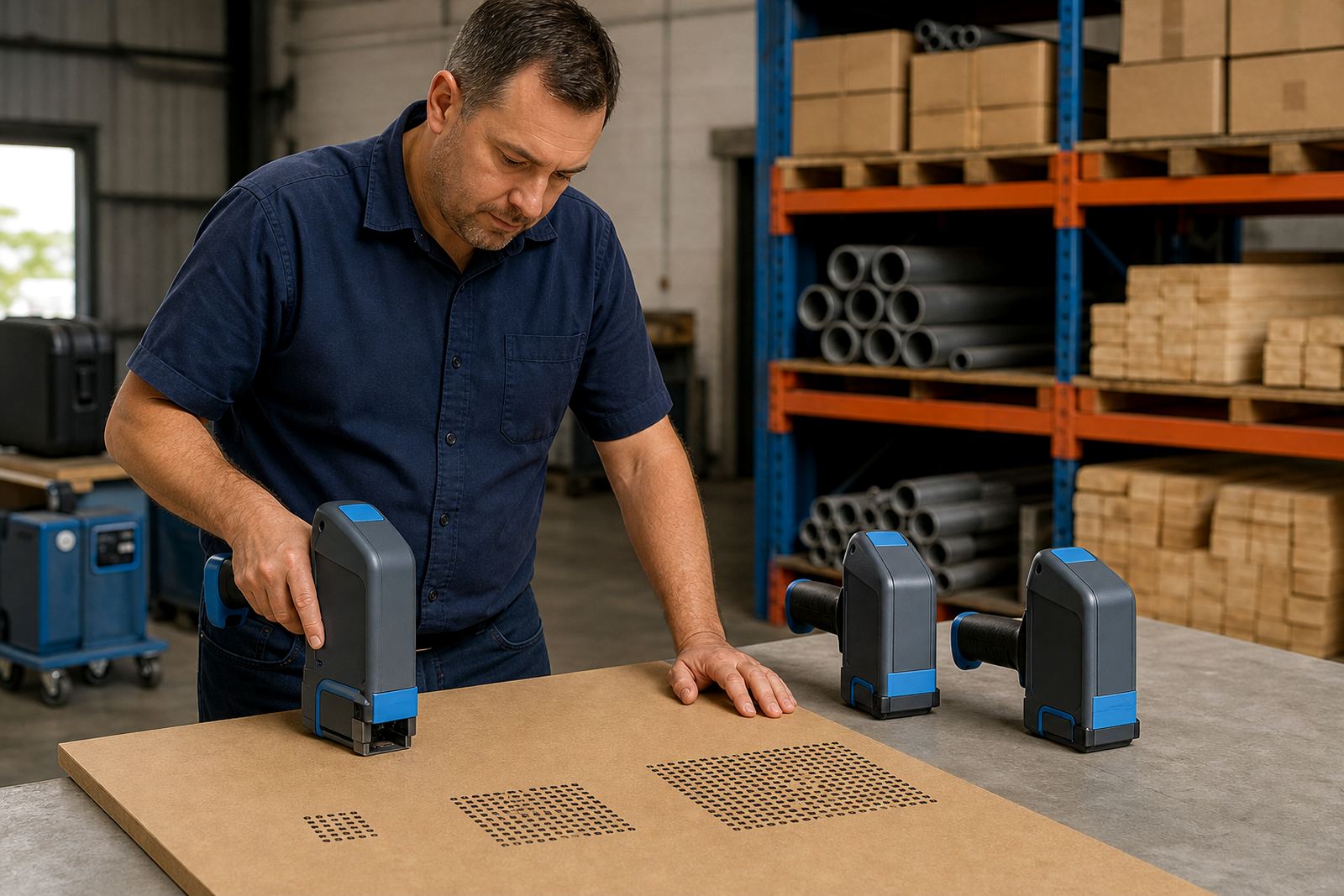
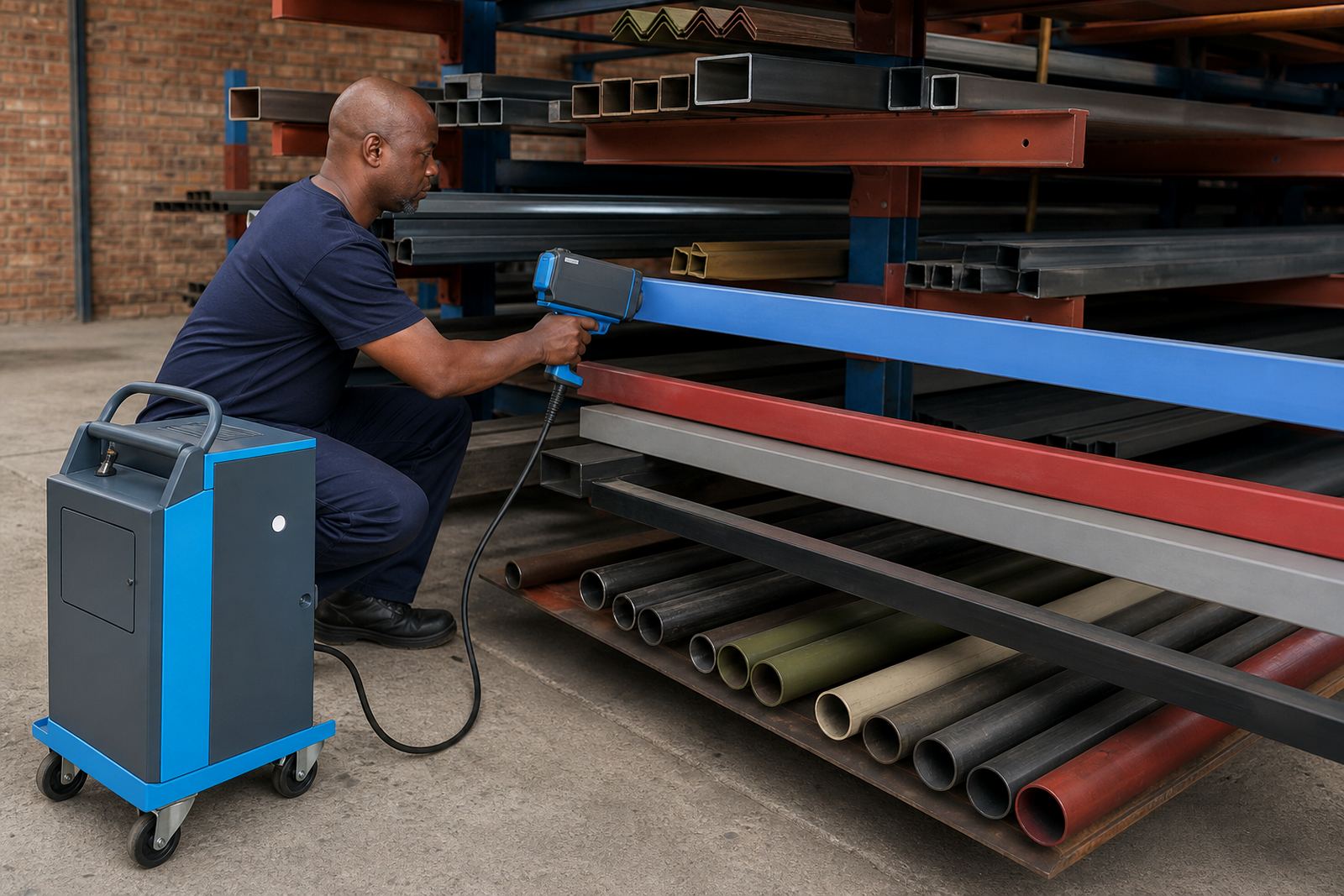
One reason cleaning matters so much is that no two surfaces carry the same kind of residue. Corrugated cartons throw off paper dust. Timber can shed fibre and resin. Steel often carries oil film, rust dust or fine metal particles. A printer used on mixed jobs in a week will pick up all of that if the operator skips the small cleaning steps.
For cartons, the main task is to prevent paper dust from settling on the nozzle plate. On timber, the issue is often tiny chips and resin marks. With steel, the printer may need a cleaner wipe after contact with oily or dusty surfaces, because that residue can spread onto the next code and distort the edge. A short clean between runs is usually enough to keep the print face clear, provided the unit is not left lying open on a bench.
Ink choice changes the cleaning habit
Ink selection affects both print quality and maintenance. Solvent inks are often used where stronger adhesion is needed on non-porous or dusty surfaces. Water-based inks suit many porous materials and can be easier to manage on carton work. Quick-dry inks help when the coded item must be handled soon after marking, but they may leave deposits faster if the printer is not closed properly between uses.
That is why cleaning cannot be copied from one job to the next without thought. A unit printing barcodes on shrink-wrapped cartons in Johannesburg may need a lighter wipe than one marking timber packs in Richards Bay, where moisture and sawdust can settle on the unit during loading. The job changes, so the cleaning habit should change with it.
- Match the cleaner to the ink in the cartridge.
- Do not mix water and solvent on the same cloth.
- Clean sooner after quick-dry work.
- Keep spare cartridges sealed until needed.
A Durban yard example that shows the routine
In a busy yard near Pinetown, one team may mark cartons in the morning, then move to timber battens after lunch and steel brackets later in the shift. That sort of mixed work is where cleaning between runs pays for itself in fewer smudged codes and fewer stopped jobs. A few minutes spent wiping the print face and checking the nozzle area saves a lot of frustration when the next batch number has to sit clean and readable.
Humidity along the coast can make uncapped ink behave differently, especially on slower shifts where the printer sits idle between loads. A unit left open on a humid afternoon may show a lighter print on the first few marks, then settle once the head is cleaned and rechecked. That does not mean the machine is faulty. It usually means the printer needs a proper wipe, a test print and a fresh look at the surface before the next run starts.
A sensible cleaning routine for rental units
Rental equipment needs a routine that is simple enough for different operators to follow. The cleaner the handover, the more reliable the print. A good habit is to clean before storage, after any surface change and whenever the print starts to look patchy. If the unit is being moved between branches or sent out with backup equipment, the casing should be wiped, the cartridges checked for sealing and the print head protected from dust.
For regular hire users, the practical sequence is usually the same: inspect, wipe, test, store. It keeps the printer ready for the next shift and reduces the chance of dried ink blocking the nozzle face. Where barcode setup or logo loading is involved, a clean print face is even more important because small marks can affect scan quality and logo sharpness.
- Inspect for dust, fibre and ink build-up.
- Wipe the head with the right cleaner.
- Run a test print on a spare surface.
- Seal the cartridge before packing away.
- Store the unit in a dry, clean case.
Training the operator to clean without overdoing it
Cleaning works best when the operator understands the job, not just the tool. Too little care leaves dried residue on the nozzle plate. Too much force can damage delicate parts or push dirt into the body of the printer. Training should cover the correct cloth, the right cleaner, the signs of blocked nozzles and the difference between a dirty head and a low-ink warning.
When a team in Cape Town or Pietermaritzburg uses the same handheld coder across several surfaces, the operator should know when to stop and clean before the print fades. That habit is practical, not technical theatre. It keeps dates readable, batch numbers consistent and barcodes more dependable across the full hire period.