

Start with the print task, not the machine
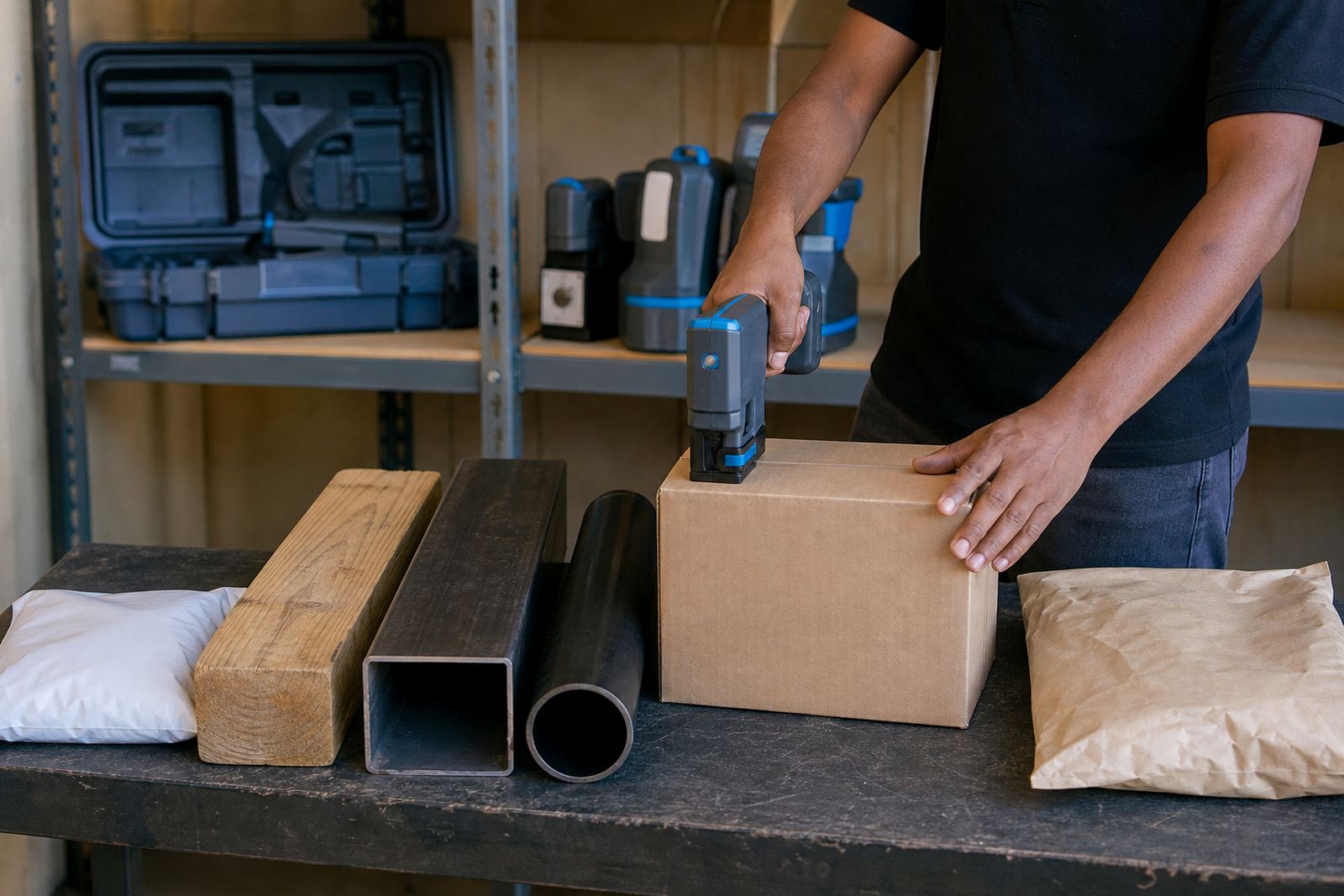
Begin by showing the exact mark that must go onto the product. A date code on a carton is handled differently from a logo on timber or a barcode on a steel section, and the operator needs to see the sample before loading anything into the unit.
Set out the surface first, then the message, then the handling steps. That order keeps the training grounded in the real job and avoids unnecessary trial printing on product that will ship out later.
- Confirm the surface type, for example glossy carton, woven bag, painted steel or raw timber.
- Agree the print height needed for the message, barcode or logo.
- Check whether the code must stay readable after handling, stacking or outdoor exposure.
- Show one finished sample and one rejected sample, if available.
Show the unit parts before the first print
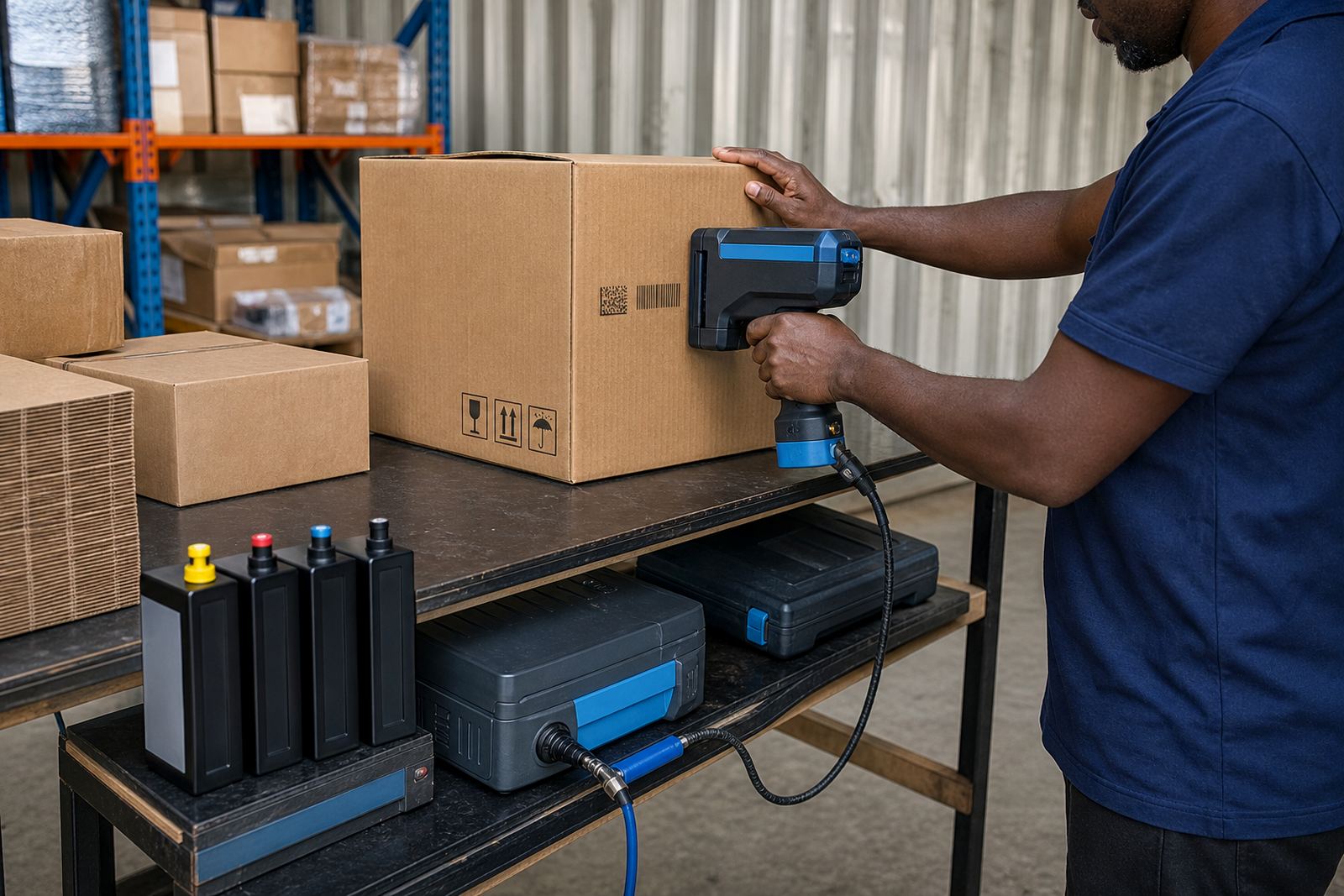
Operators do better when they can name the main parts of the handheld coder before the first setup. The screen, cartridge bay, trigger, guide edge and print head all have a role, and each one must be handled with care.
Keep the first explanation short and practical. A person who knows how to hold the unit, line it up and avoid dragging the head across the surface will pick up the rest much faster than someone who only hears a technical overview.
- Hold the unit level and keep a steady pass across the marking area.
- Check the head height before printing on uneven timber or ribbed packaging.
- Keep fingers clear of the print path and wet ink zone.
- Store caps and spare consumables where dust will not gather on them.
Load the message with the job in mind
Message loading should be tied to the production requirement. Dates, batch numbers, shift codes, logos and barcodes each need different spacing, line count and image treatment, so the operator should not treat every file or text block the same way.
For barcode work, the training must include clean placement, correct contrast and a test scan. For logos, the focus sits on size, sharp edges and where the mark lands on the pack. Small errors here can be costly, especially on short runs where every carton matters.
- Use the approved wording only, with no extra spaces or hidden characters.
- Check line breaks, character height and boldness before printing a full batch.
- Test one barcode on the actual surface and scan it with the reader used on site.
- Save the final message under a clear job name that the team can identify later.
Match the ink to the surface
Training must cover ink choice properly, because the right ink affects print results on different surfaces. Solvent inks are often used where fast grip is needed on difficult surfaces, water-based inks are useful on more absorbent materials, and quick-dry options help when handling must continue soon after marking.
Coastal humidity, dusty packing areas and rough timber all affect the finish. The operator should learn how drying time, adhesion and surface porosity change the result, because the same settings will not suit every site in Durban, Johannesburg or Cape Town.
- Ask which surface will be marked most often during the hire period.
- Keep separate notes for porous, coated and non-porous materials.
- Watch for smudging on damp cartons or freshly cut timber.
- Use the supplied consumables in the way they were recommended for that job.
Run test prints before production starts
A short test run is the safest way to settle the setting before production begins. The operator should make a few marks, inspect them under normal light and check that the code sits straight and reads clearly from the distance used on the line.
This part of training should include simple fault spotting. Light prints, blurred edges, clogged nozzles and crooked placement can usually be seen early if the operator knows what to look for. That habit saves time during the hire period and keeps the job under control.
- Print on the same material that will be used for the order.
- Check the first mark, then the tenth, not only the first one.
- Look for fading, overspray, skipped lines and uneven spacing.
- Keep a reference sample from the approved print for later comparison.
Set a clean handover routine for weekly and monthly hire
Weekly and monthly hire works best when the operator knows what must happen at handover, during use and before return. The training should cover cleaning, safe storage, cartridge changes and what to do if the print quality changes halfway through a job.
Teams in Pinetown, Westmead, New Germany and other branches often have different shift patterns, so the handover routine needs to be simple enough for more than one operator to follow. A written note beside the packing table helps keep the process steady.
- Record the message loaded, ink type used and the surface being marked.
- Wipe the print area as directed before the unit is packed away.
- Keep spare consumables in the same marked box each time.
- Note any issues with alignment, drying or barcode scan quality.
Support the operator after the first session
The first training session should leave the operator ready to work, but support is still useful after that. A supervisor or line lead should know who carries the setup notes, who handles the consumables and who checks the next test print when the job changes from cartons to pipes or timber.
For sites that need on-site setup, remote setup help, test printing or backup unit support, the training can sit alongside those services. That gives the team a cleaner start and fewer interruptions when the hired unit is in daily use.
- Nominate one person to keep the print settings record.
- Keep the approved sample near the machine for quick comparison.
- Review operator handling after the first production run.
- Update the notes when the job changes surface, code length or ink type.