Guided setup for real print jobs
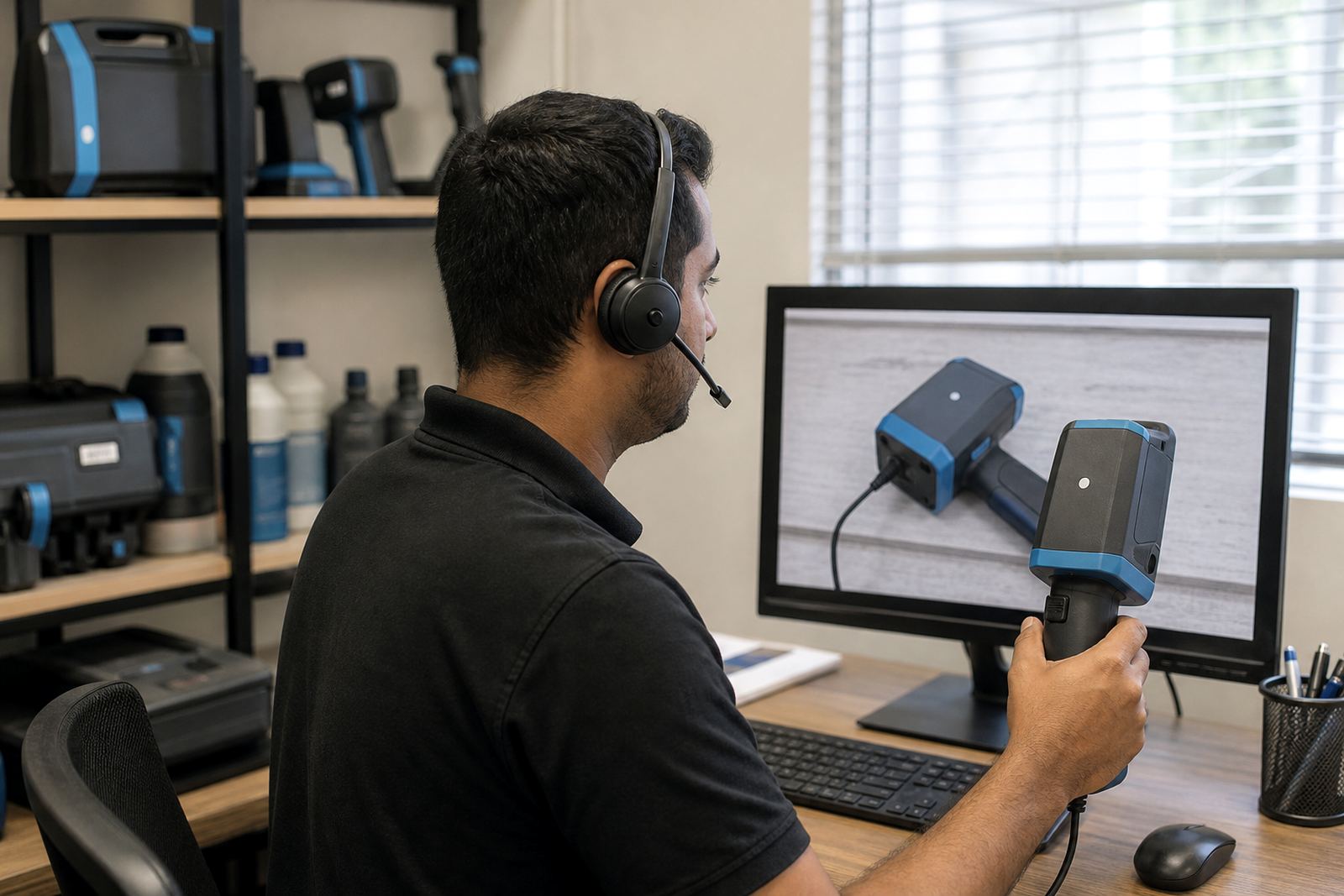
Remote Setup Help suits teams that already have the handheld printer in hand and need it set for the job on the floor, in the yard or at the packing line. We talk through the menu, check the message memory, set the date or batch field, and confirm the print height for the surface you are marking.
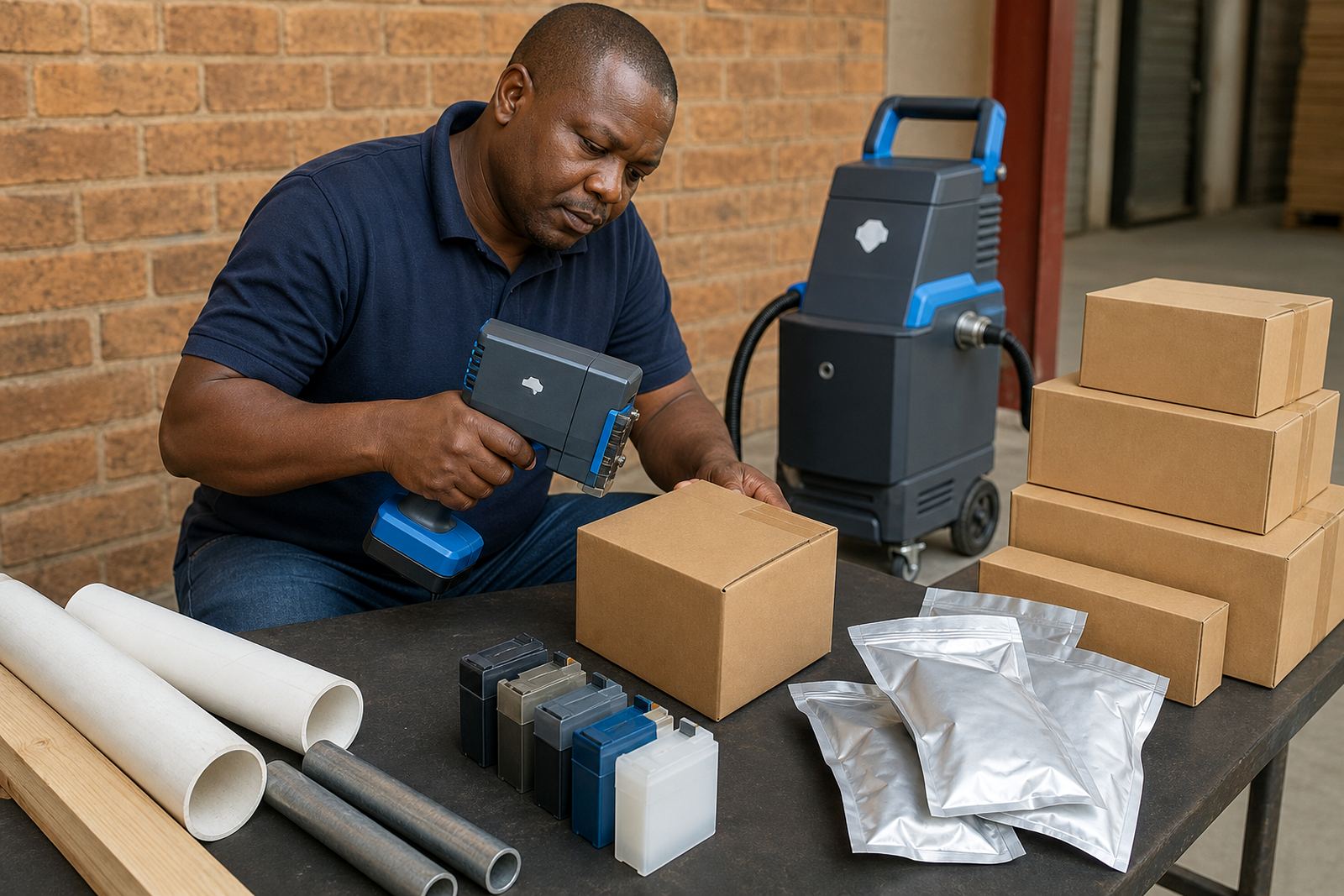
The guidance is practical for cartons, woven bags, timber packs, steel sections and coated pipes. If the substrate is rough, dusty or slightly curved, the setup shifts to suit that surface rather than forcing one setting across every material.
- Menu guidance for date, batch and shift code settings
- Message loading for text, numbers and simple logos
- Print height checks for small and larger character needs
- Barcode setup for readable marks on moving stock
What the remote session covers
The session covers the parts that cause stoppages in the first hour of use, especially message storage, nozzle alignment, font sizing and ink choice. We also check the print direction, spacing and trigger habits so the mark lands where it should on each item.
For barcode work, the print needs clean contrast and a suitable surface finish. On very absorbent cartons a quick-dry or water-based ink may suit, while non-porous pipes and steel usually need solvent-based ink for better grip and clearer definition.
- Test prints on your actual material where possible
- Barcode readability checks for common warehouse and dispatch use
- Logo loading with simple placement guidance
- Ink selection help for porous and non-porous surfaces
How the handover is done
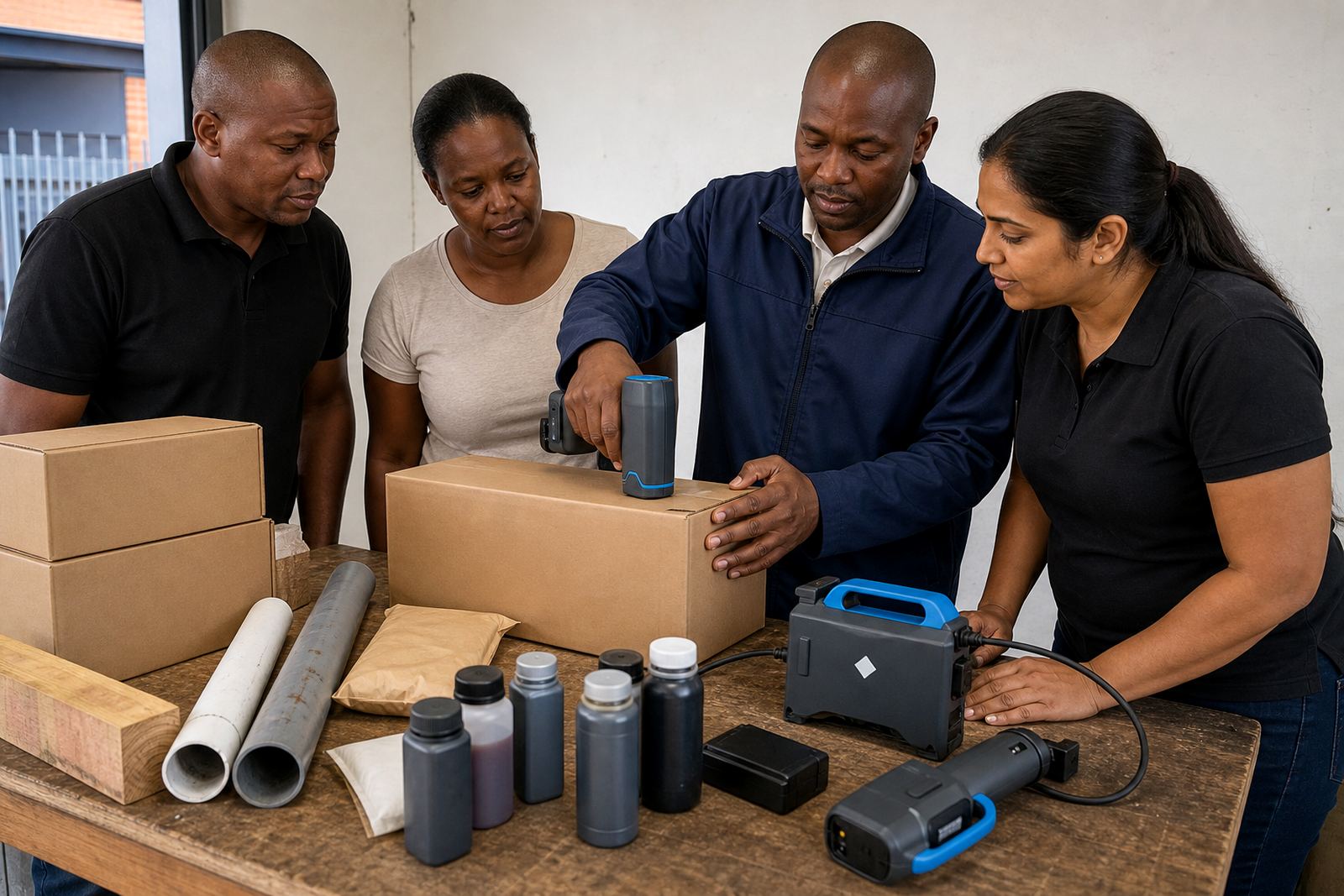
The process is straightforward. First, the operator describes the job, the surface and the code that must print. Then the settings are stepped through one by one, with the print sample checked before the line starts using the unit for proper output.
If the message needs changing for carton dates, pipe lengths or timber bundles, the operator is shown how to store and recall the file. That keeps the printer ready for the next batch without having to rebuild the layout from scratch every time.
- Step-by-step menu navigation over phone or video
- Support for first setup or changed production runs
- Message storage and recall guidance
- Operator checks for print position and clarity
Specs that matter on handheld coders
Handheld inkjet printers used for remote setup normally print small text through to taller characters, depending on the head and software settings. Print height is matched to the package size, the space available and the distance an operator can hold the unit from the surface.
On cartons and sacks, a smaller character height often keeps the code neat. On timber and steel, a taller mark may help visibility from a distance, provided the surface is clean and the ink matches the material.
- Character height adjusted to the job, not a fixed one-size setting
- Suitable for dates, batch numbers, part codes and logos
- Works on flat, slightly curved and uneven surfaces
- Compatible with solvent, water-based and quick-dry inks
Hire terms and pricing approach
Remote Setup Help forms part of a weekly or monthly hire arrangement, depending on the length of the run and how often the printer will be used. Pricing is based on the unit selected, the ink type, the message complexity and whether barcode or logo loading is needed.
For repeat dispatch work in Durban, Johannesburg or Cape Town, a longer hire term often makes planning easier when the same code must stay in use over several loads. Where the code changes often, the setup can be adjusted to keep the print practical without loading unnecessary extras into the job.
- Weekly hire for shorter production runs
- Monthly hire for ongoing coding work
- Ink and consumables supplied where required
- Backup unit support can be arranged for busy periods
Aftercare once the first print is set
After the initial setup, support continues for message changes, print cleaning reminders and the small checks that keep output readable. If the job shifts from cartons to pipes, or from timber to steel, the settings can be reviewed so the mark stays clear on the new surface.
The same practical support applies to operators in Pinetown, Pietermaritzburg, Richards Bay and other South African sites that need coding without a full on-site callout. Remote help works well when the printer is already hired and the team needs calm guidance rather than guesswork.
- Support for code changes during the hire period
- Help with clearer print on difficult surfaces
- Troubleshooting for missed marks or weak contrast
- Consumables advice for the ink already in use
Key facts
| Service type | Remote phone or video setup help for handheld inkjet coders |
|---|---|
| Print heights | Small text through to taller character settings, depending on head and message layout |
| Surface types | Cartons, bags, pipes, timber and steel |
| Ink options | Solvent, water-based and quick-dry inks |
| Use cases | Dates, batch numbers, barcodes, logos and simple product codes |
| Hire terms | Hire by the week or month across South Africa |