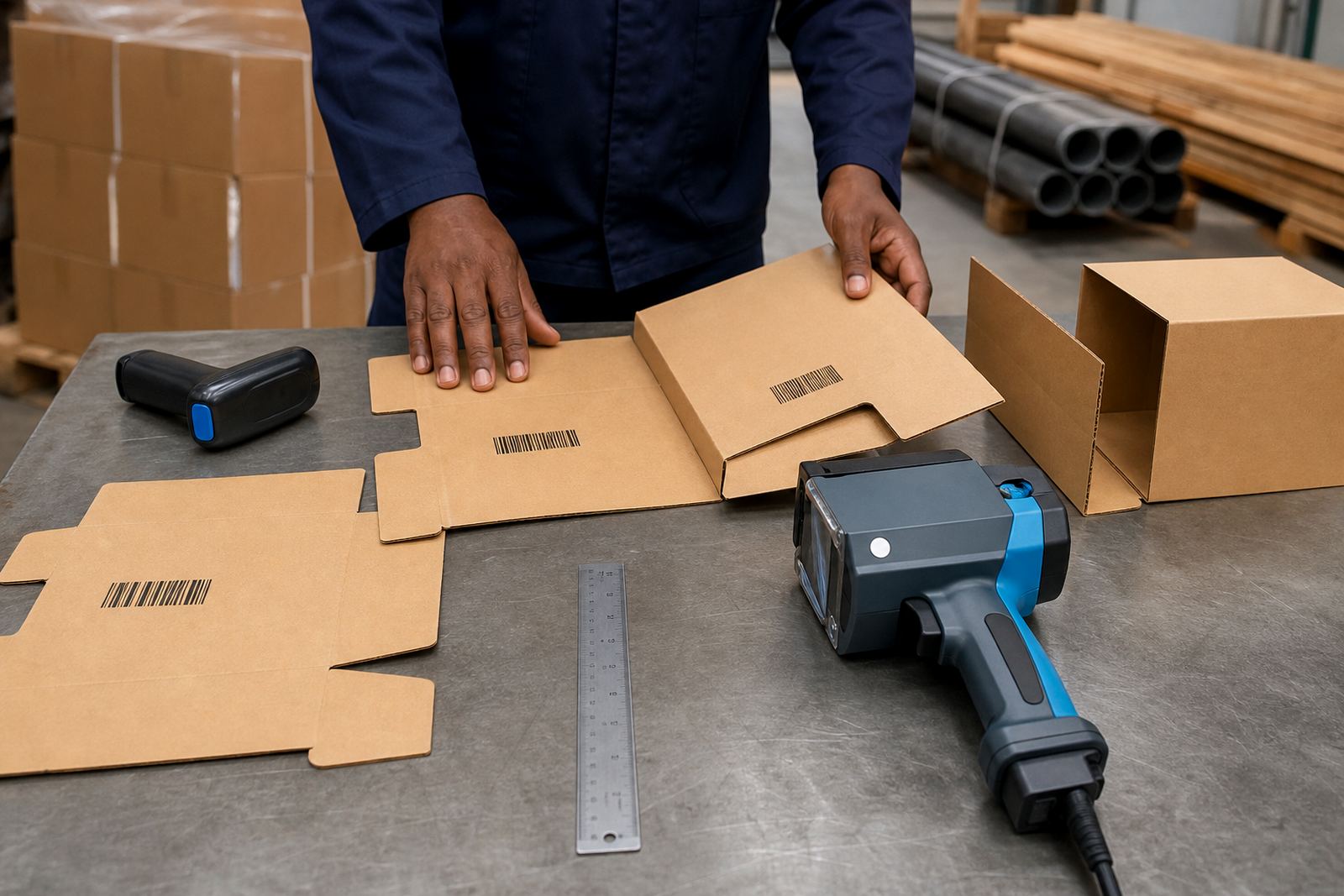
Prepared barcode layouts for day-to-day coding
This pack is built for handheld inkjet printers used on short runs, repeat cartons, sack coding and batch marking where the barcode must sit in the same place each time. It gives a practical starting point for common box panels, gusseted bags, timber packs and steel lengths, with room for batch numbers, dates and short text above or below the code.
The layouts are set for field use, so operators can work from a neat template rather than building every line from scratch. That matters when cartons shift from one size to another, or when a timber bundle, pipe or woven bag needs the code placed where a scanner and warehouse team can find it without fuss.
- Prepared barcode block with text lines for batch, date and job reference
- Suitable for black ink on pale cartons and many coated bag surfaces
- Layout spacing that helps keep the code clear on handheld application
- Can be loaded for straight, centred or offset placement
Print heights, message blocks and surface fit
The pack is commonly set up for print heights from 12 mm to 25 mm, with wider arrangements possible where the handheld coder has a larger print head and the carton face allows it. For barcode work, the code module size must stay readable, so the message should not be squeezed to fit a panel that is too short or too narrow.
Some jobs call for a single line of text above the barcode, while others need a date line, batch code and product name in a tighter block. On porous timber, absorbent sacks and untreated cardboard, the layout may need a little more spacing to keep the barcode edges sharp. On smooth pipe or steel, the template can be set with a smaller block and a cleaner margin around the code.
- Common print heights: 12 mm, 18 mm, 25 mm
- Works with one line, two line or three line message blocks
- Barcode placement can be left, centred or right aligned
- Margins can be adjusted for curved, rough or absorbent surfaces
Where the barcode template pack suits best
This layout set suits packing tables, dispatch areas, timber yards, bagging lines and site stores that need a repeatable code format without setting up a fixed printer line. It is useful for Durban warehousing, Pietermaritzburg production yards, Johannesburg distribution floors, Cape Town packing teams and Richards Bay handling work where cartons and bundles move through different hands.
It also works well for firms that hire handheld inkjet printers for weekly or monthly runs and need a message file ready for each batch. If the same item leaves in mixed pack sizes, the barcode can be placed in a standard position so the receiving team does not hunt for it on the panel, and the code stays consistent across jobs.
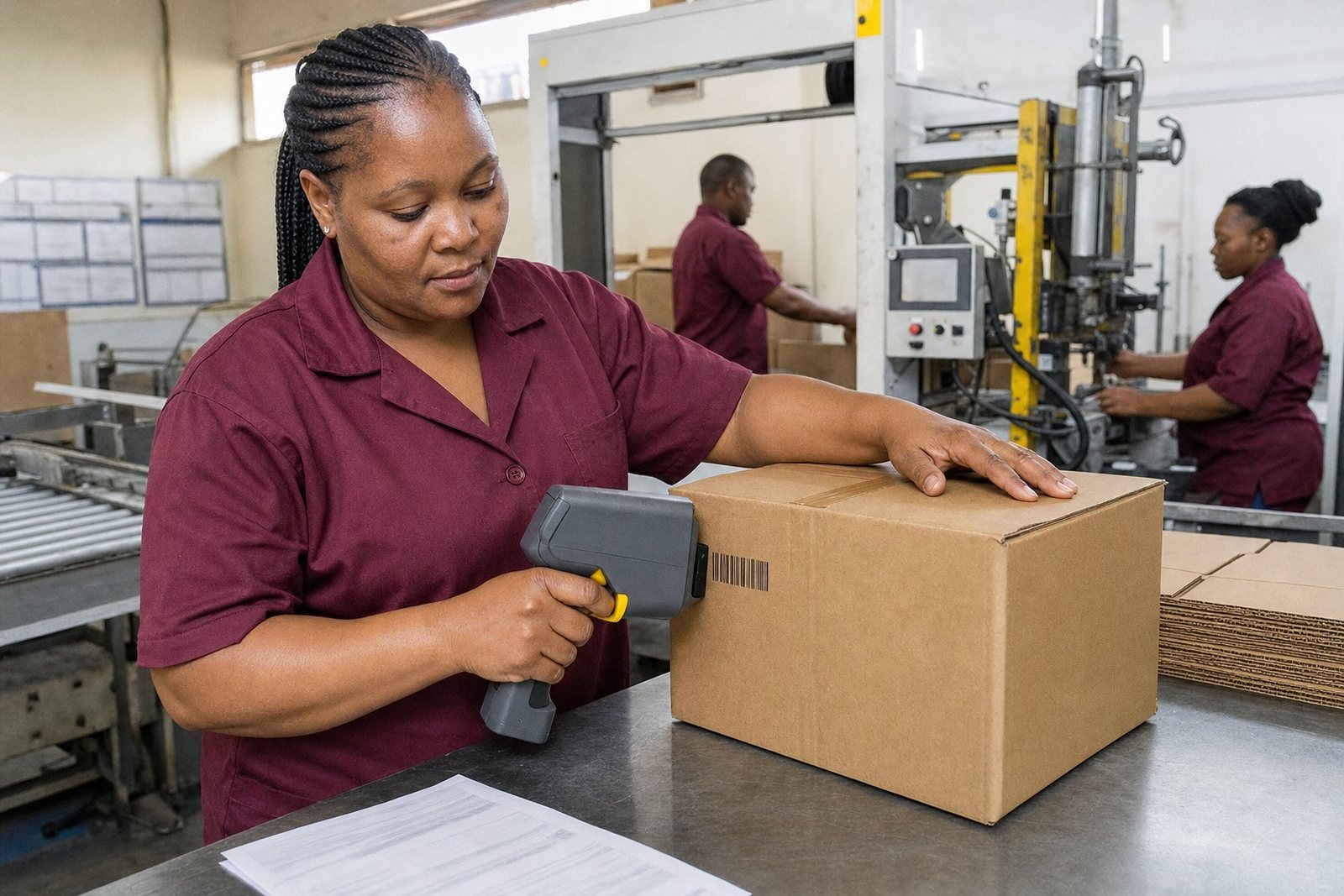
- Cartons and corrugated boxes
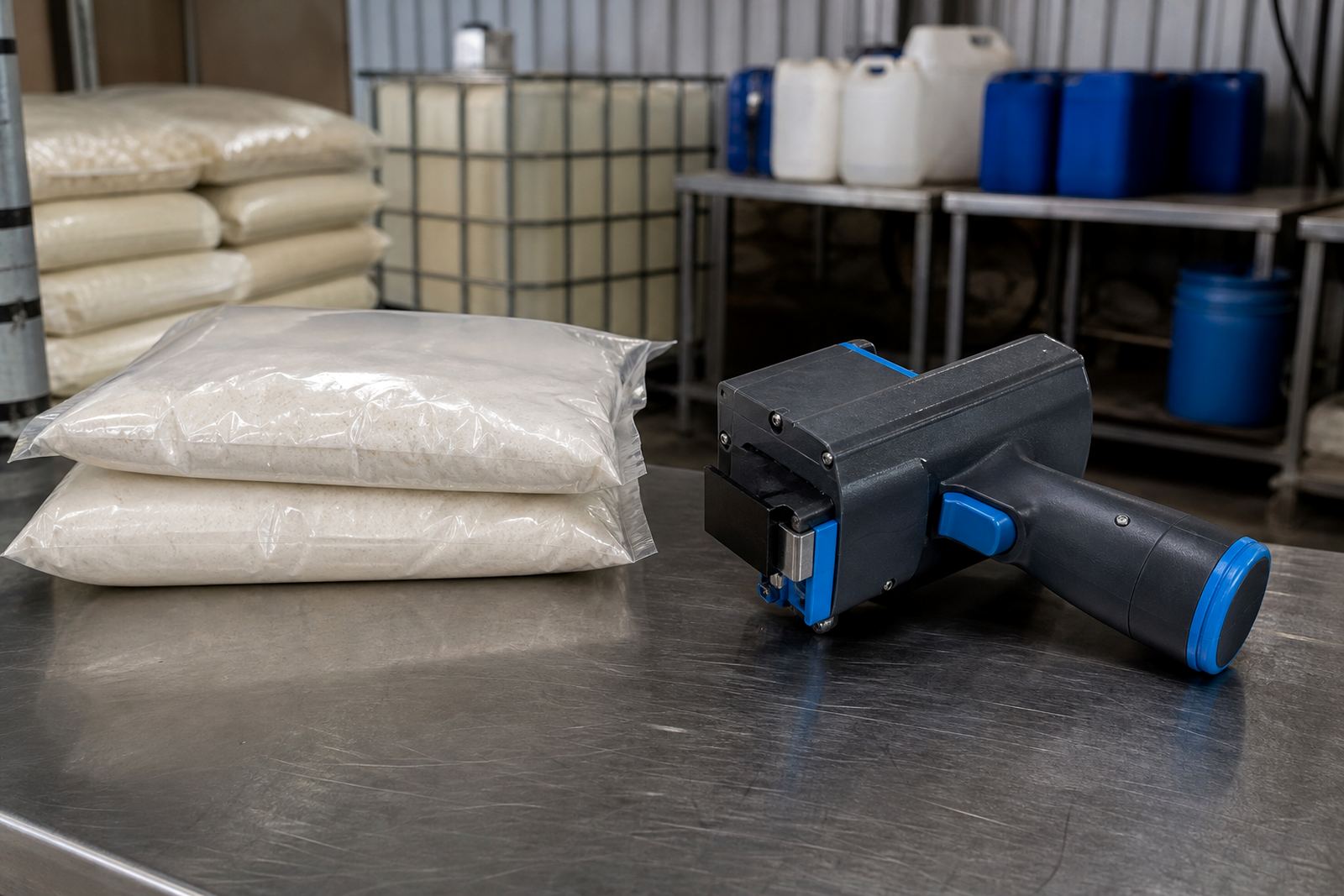
- Paper sacks and woven bags
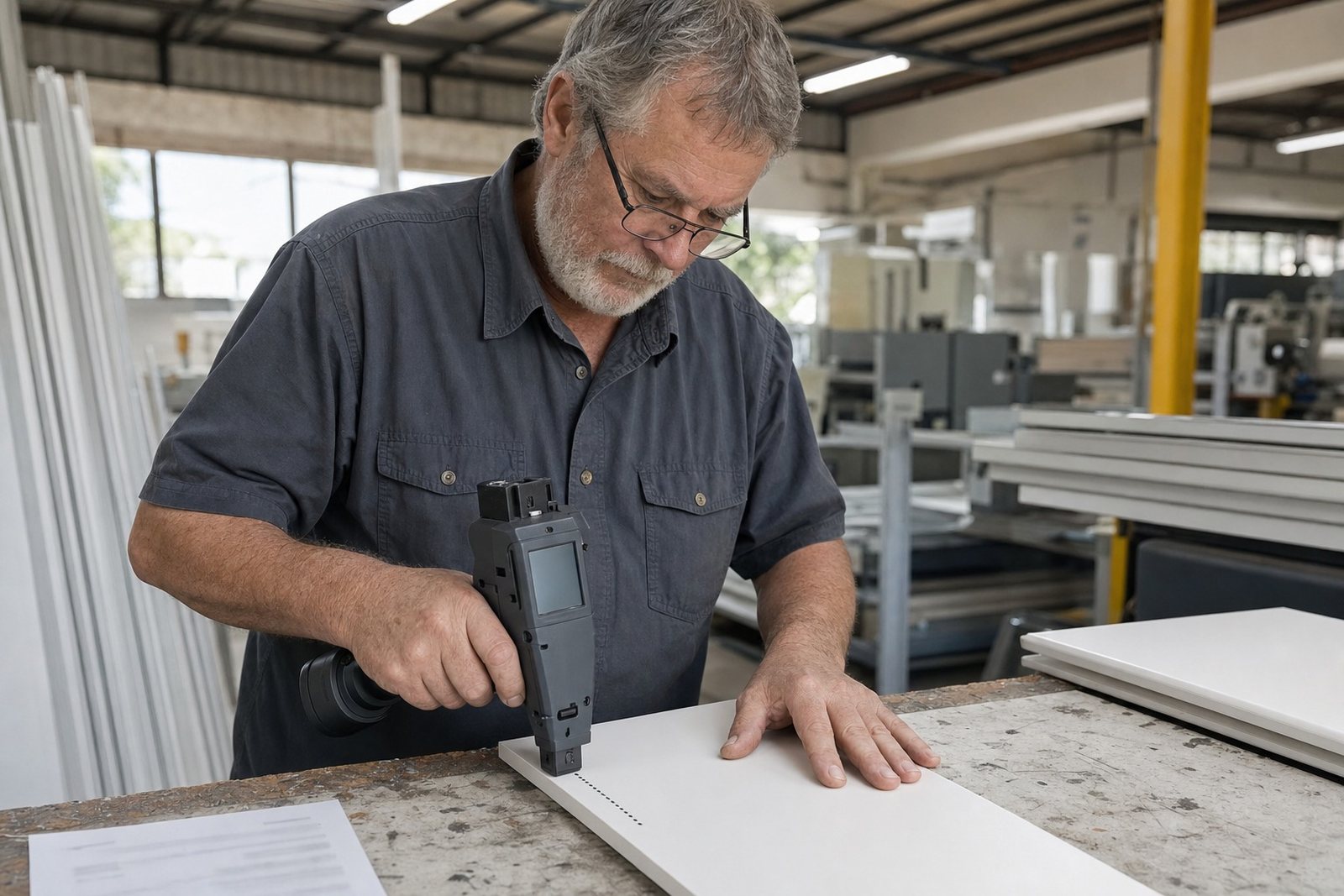
- Timber packs, battens and sawn lengths
- Steel tube, pipe and coated sections
Ink choice and barcode legibility on real surfaces
Barcode visibility depends on the surface and the ink. Solvent-based ink is often used on non-porous or slightly glossy surfaces where quick grip and resistance matter. Water-based ink is a better fit for many absorbent cartons and timber faces. Quick-dry ink helps where the code must be handled soon after printing and the pack moves straight into stacking or wrapping.
The template pack does not replace correct ink selection. A barcode that scans well on plain box board may smear on a coated bag if the ink is not matched to the job. On darker timber or steel, the layout may need a larger print height or higher contrast ink to keep the bars readable at a glance and at scan point. A test print is part of the setup, and it helps show whether the bars hold shape on the real surface, not just on paper.
- Solvent ink for tougher or less absorbent surfaces
- Water-based ink for cartons and many porous materials
- Quick-dry ink for faster handling after printing
- Test prints help confirm contrast, spacing and scan quality
Setting the template onto the handheld coder
Fitting the barcode pack into a handheld printer is straightforward when the message content is confirmed first. The operator needs the final code digits, the exact text line above or below it, the print height and the position on the pack. From there, the layout can be loaded and checked against the actual carton, bag or timber face before full use starts.
On larger jobs, message loading and barcode setup are often done together so the print block matches the batch paperwork. If the job also needs a logo, the barcode should be spaced far enough away from the graphic to avoid crowding. Our team can assist with remote setup help, on-site setup, operator training and test printing where the layout needs to be checked against the real surface and handling flow.
- Barcode digits must be confirmed exactly as issued
- Print position should match the surface panel used in production
- Logo and barcode spacing should leave clean scan space
- Test prints are useful before a full run on new stock
Care in store and during hire periods
When a template pack is used through a weekly or monthly hire, the message file should be kept with the job notes so the same coding format can be loaded again without confusion. Keep print samples from the first run, because they help check whether the next batch is using the same barcode width, height and placement. If the job changes from cartons to pipes or from bags to timber, the layout may need adjustment before production carries on.
For care, keep the stored message details dry, tidy and separate from other job files. If a printer is moved between sites in Pinetown, New Germany, Westmead or further afield, the code format should travel with the same job reference and setup notes. Consumables supply, troubleshooting support and backup unit support are available where the work depends on a steady print flow and the barcode cannot drift from the required position.
- Keep a record of the exact barcode digits used
- Retain a printed sample for later comparison
- Update the layout if the pack size or surface changes
- Store message details with the batch paperwork
Details to confirm before the pack is loaded
To set the Barcode Template Pack properly, confirm the surface type, the pack size, the required print height and whether the code must sit close to a logo or other marking. Please tell us if the job is for cartons, bags, pipe or timber, since each surface affects spacing and ink choice in its own way.
Share the barcode digits exactly as they must print, plus any extra date or batch line that belongs with them. If the job is for dispatch, retail supply or warehouse intake, note the scan direction and where the label or print field is usually checked. That gives the layout the right proportions before the printer leaves the base in Pinetown for delivery, collection or setup support anywhere in South Africa.
- Surface: carton, bag, timber, pipe or steel
- Print height and preferred barcode width
- Exact digits, batch number and date format
- Placement on the pack and nearby logo space
Key facts
| Product | Barcode Template Pack |
|---|---|
| Use | Handheld inkjet barcode layout for cartons, bags, timber, pipe and steel |
| Print height | 12 mm to 25 mm common, larger on suitable handheld units |
| Ink compatibility | Solvent, water-based and quick-dry options |
| Hire terms | Rental by the week or month |
| Support | Message loading, barcode setup, test printing and training |
| Base | Pinetown, Durban |