
Which surfaces suit a handheld coder
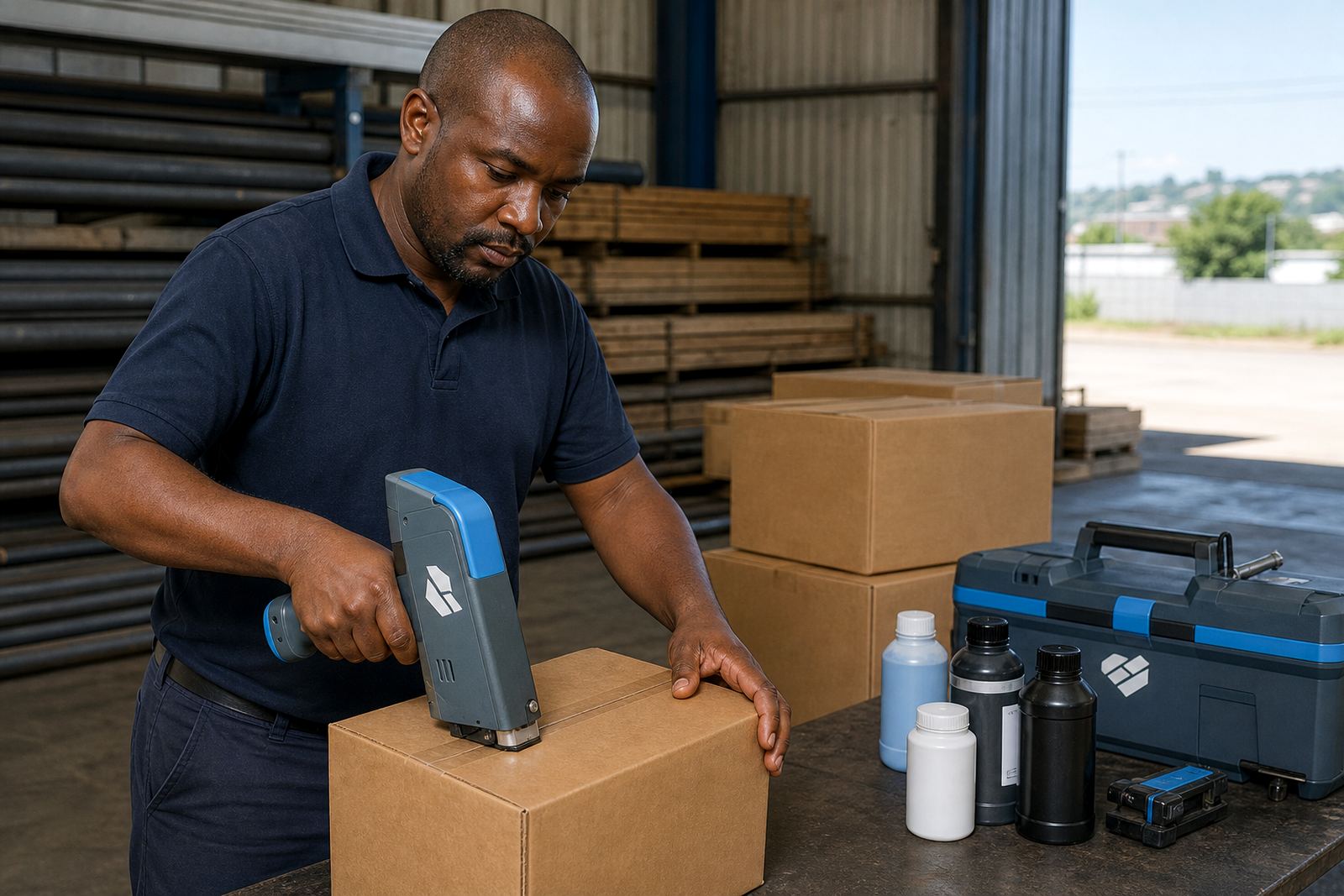
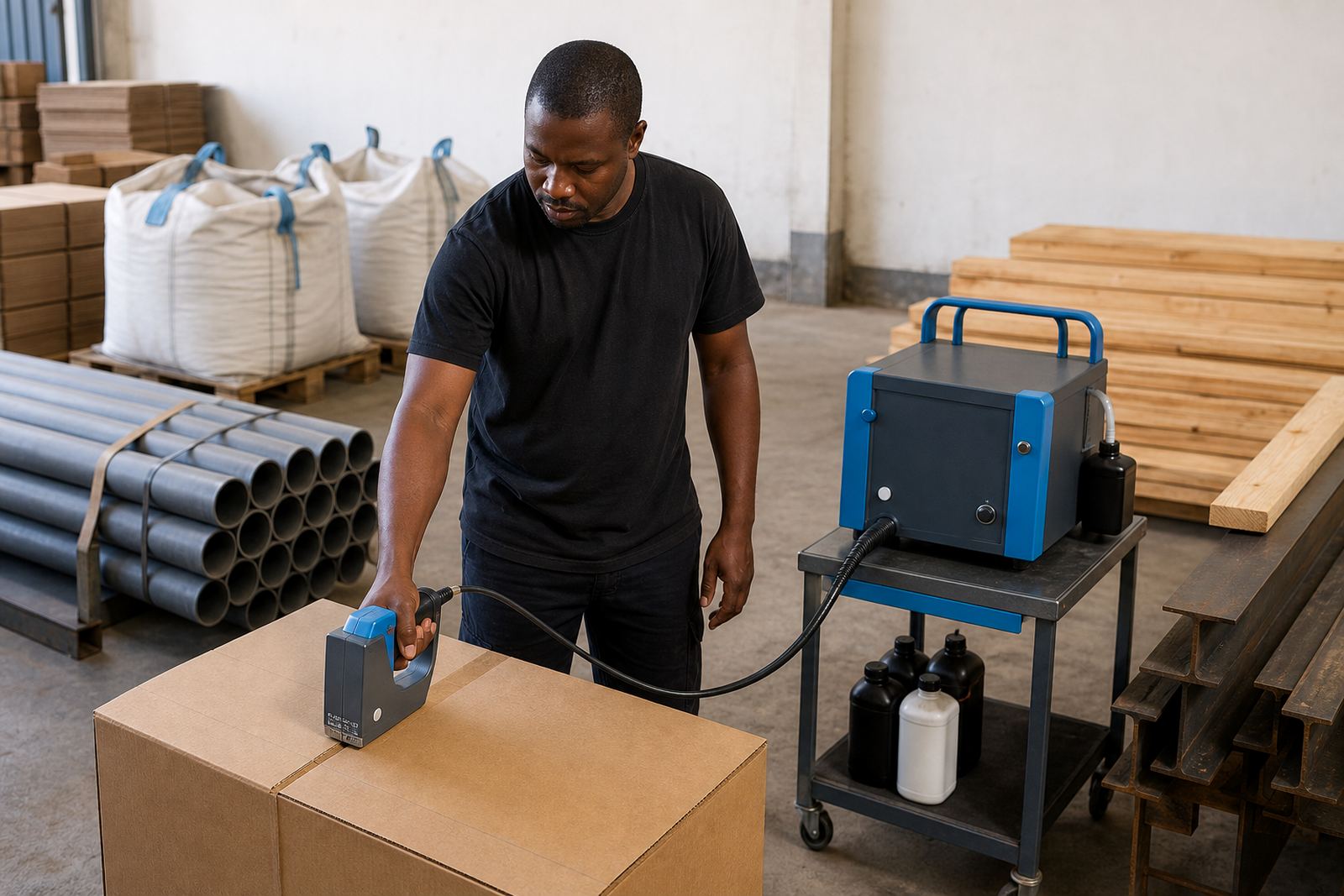
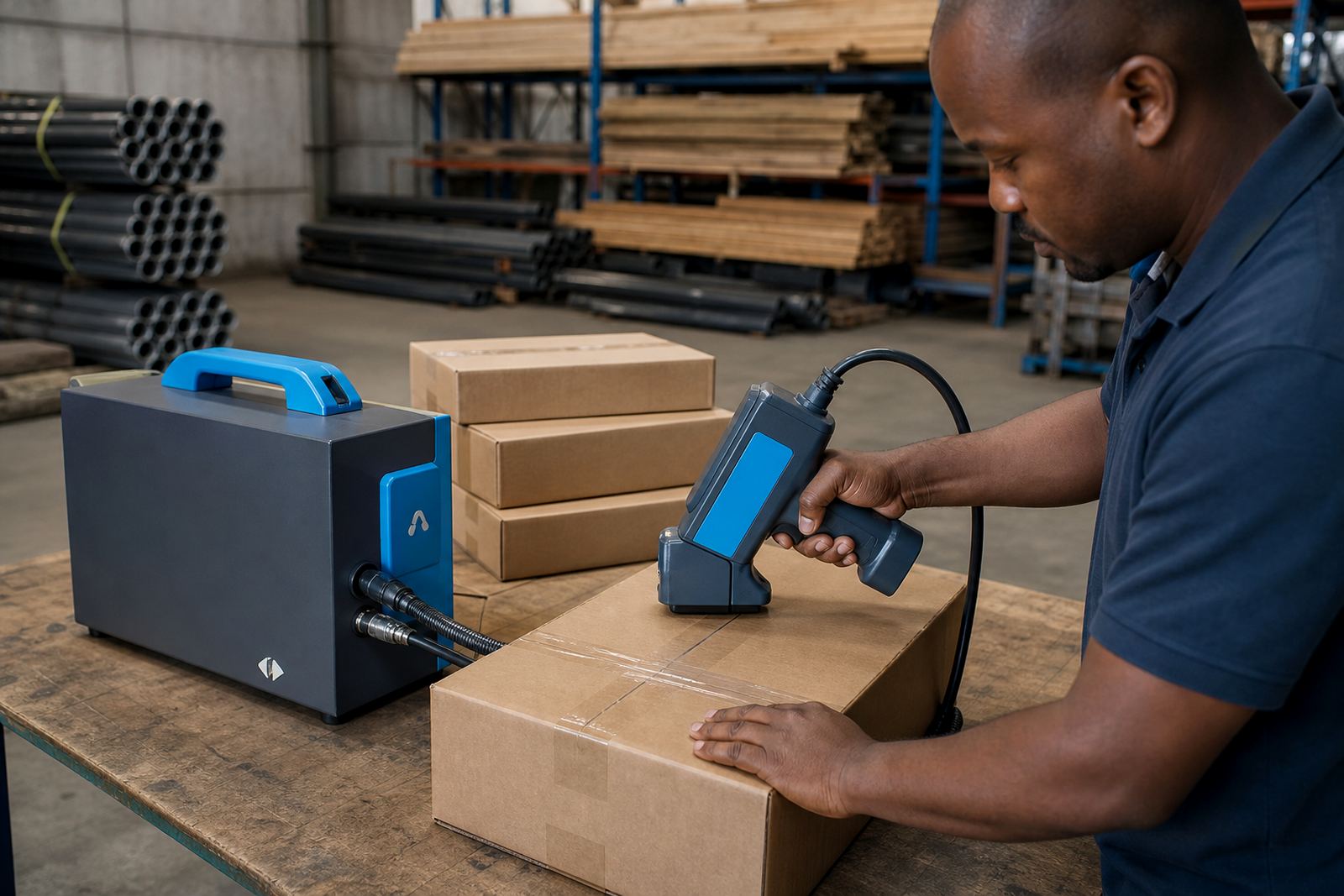
Handheld inkjet printers work well on cartons, woven bags, shrink wrap, timber, pipes and coated steel when the surface is clean and dry. On rough timber or dusty pipe work, the message may need a larger font or a slower pass to keep the print legible.
For best results, the surface should be flat enough for a steady hand and free of loose powder, oil or condensation. In humid coastal conditions around Durban and Richards Bay, quick-dry or solvent based inks are often preferred because they set faster on non porous materials.
- Cartons: dates, batch codes and barcodes
- Bags: product names, lot numbers and short logos
- Pipes and steel: traceable marks and job codes
- Timber: pack marks, grade marks and handling notes
What print height and message size to expect
Most handheld coders used for hire produce small to medium character heights, which suits line items, cartons and industrial marking. The exact print height depends on the model, the print head and the message layout. A short code can sit neatly on a narrow edge, while a wider logo needs more clear space and careful positioning.
If you need barcodes, the size must match the label space and scanning distance. A barcode that is too small or placed on a curved surface can blur, so it helps to test the layout before committing to a long run.
- Dates and batch numbers need compact line spacing
- Logos work best on clean, even panels
- Barcodes need a stable print path and enough margin
- Longer messages may need a two line layout
How weekly and monthly hire terms work
Hire terms are available on weekly and monthly basis, which suits short production runs, seasonal demand and projects that stretch across several sites. A weekly hire often suits a fast packaging job, while monthly hire works better where the same coder stays on a production floor or with a moving installation crew.
Coverage can be arranged from Pinetown and Durban to Pietermaritzburg, Johannesburg, Cape Town and Richards Bay. Delivery and collection can be arranged with the unit, together with the ink and starter setup material needed for the first print run.
- Weekly hire for shorter coding jobs
- Monthly hire for ongoing production
- Delivery and collection where required
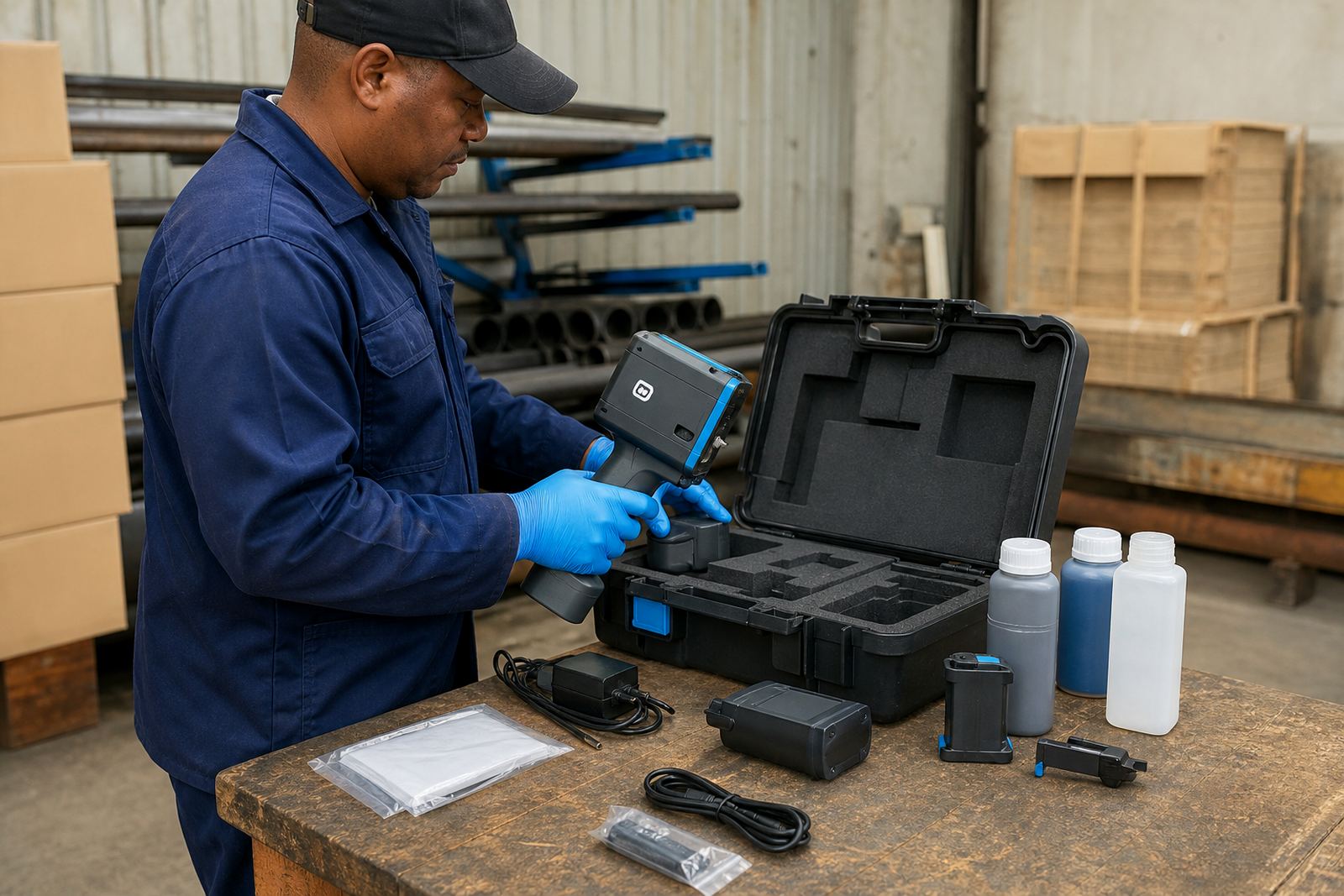
- Consumables supplied with the unit
Ink choices for different jobs
Ink choice matters because cartons, steel, timber and plastic do not all take ink in the same way. Water based ink suits porous material such as untreated cartons and some timber. Solvent ink is better on non porous surfaces and gives stronger adhesion on pipes, steel and wrapped packs. Quick-dry ink helps where the surface must be handled soon after printing.
On a humid site or a coastal yard, drying time can change during the day, so the ink needs to match the material and the handling pace. A test print is usually the safest way to confirm the finish before a full batch starts.
Setup help, training and test printing
Setup support can be done on site or remotely, depending on the job and the location. The team can load the message, check barcode settings, set the print direction and run test prints before the hire unit goes into full use. Training is practical and focused on the operator who will carry the coder through the shift.
Where the job includes several product lines, the message list can be organised before setup so the operator does not lose time changing codes during the run. That helps on packaging floors and in yard work where each batch must stay traceable.
- Message loading for dates, batches and short text
- Barcode setup for carton and pack marking
- Logo setup for simple marks and identifiers
- Test printing before production begins
What to do when print quality slips
If a print looks faint, broken or slanted, the cause is often surface condition, speed of hand movement or an ink match that is not right for the material. Cleaning the print area, checking the message height and running another test can solve many issues. On rough timber or textured bag material, small adjustments can make a clear difference.
Backup unit support is useful where the job cannot pause for long. Troubleshooting support can cover the print head, ink flow, message settings and alignment, so the operator can keep working with less waste.
- Check the surface for dust, oil or moisture
- Test a wider or shorter message if needed
- Confirm the ink suits the material
- Use a spare unit when production must continue
Who handles the hire process
Sibusiso Moagi oversees the business, with Nokuthula Kotze on hire coordination, Jared Rademeyer on technical support, Anele Vermaak on training, Priya Pillay on operations and Morne Oosthuizen on field setup. That mix helps when a job needs more than a basic handover, especially if the print layout is unusual or the site has several packing points.
Hire questions come in through the contact form, and a coordinator replies from there. Service coverage includes Pinetown, Durban, Westmead, New Germany, Pietermaritzburg, Johannesburg, Cape Town and Richards Bay, with hire assistance available throughout South Africa.