
Start with the mark, not the machine
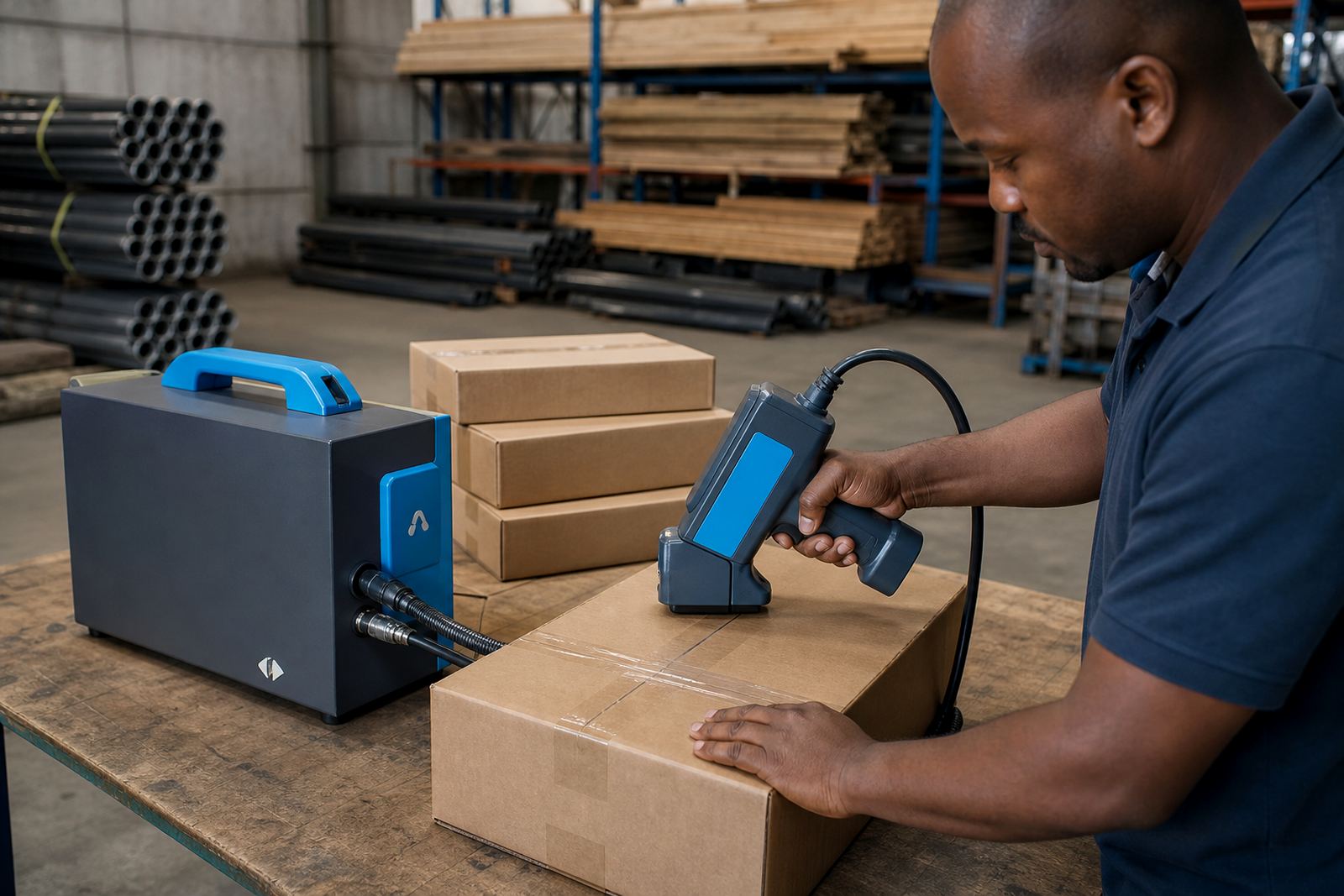
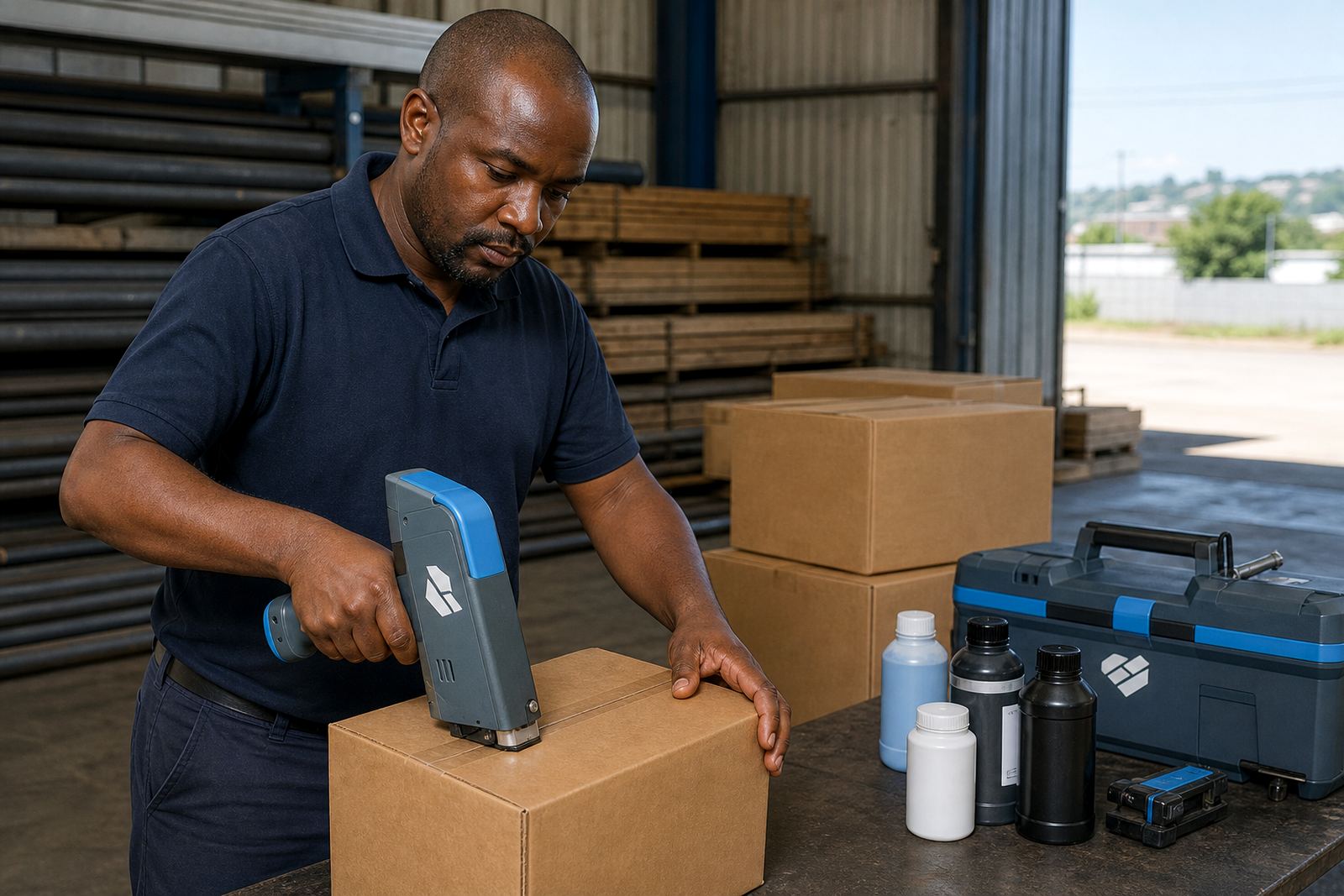
When a print looks weak, the first job is to read the mark itself. Is the ink sitting on top of the surface, soaking in too fast, or breaking into gaps? Handheld inkjet printers behave differently on corrugated cartons, painted steel, smooth pipe and raw timber, so the same setting can give mixed results across the line.
Check whether the text is complete, whether the barcode bars are even, and whether the logo has lost edge detail. A clean print that rubs off points to adhesion, while a dark print that looks blurred usually points to distance, speed, or too much ink.
Faint prints usually point to setup drift
Faint print can come from low ink, a clogged nozzle face, poor carriage alignment, or a message that is too dense for the chosen print height. On handheld coders, the operator movement matters too. A steady pass gives a better mark than a quick sweep with pauses in the middle.
- Check that the cartridge or ink supply is seated properly
- Wipe dust or loose fibres off the print area
- Confirm the message height matches the job, often 12 mm to 25 mm
- Test a short code before running a full batch
- Slow the pass slightly if the text looks broken
For barcodes, faint bars often fail scanning before they look visibly wrong to the eye. If a scan is required, print a small sample and test it under the same light used on the floor or in dispatch.
Smudging on cartons, bags and timber
Smudging tends to show up when the ink is not suited to the surface or when the surface is still moving through drying. On coated cartons and plastic bags, quick-dry or solvent-based inks are often used. On porous timber, water-based inks can work well when the grain is not too open. The right choice depends on how the item is handled after marking.
Humidity in Durban and Richards Bay can slow drying on some materials, so a print that works in a dry storeroom may smear near an open loading bay. If the mark is touching a stacking belt, pallet wrap, or another carton too soon, give the surface more time before handling.
- Use the ink type suited to the material
- Leave space for drying before stacking or wrapping
- Avoid printing over dust, oil or loose fibres
- Keep the print head clean and free of overspray
Poor adhesion on steel and pipe
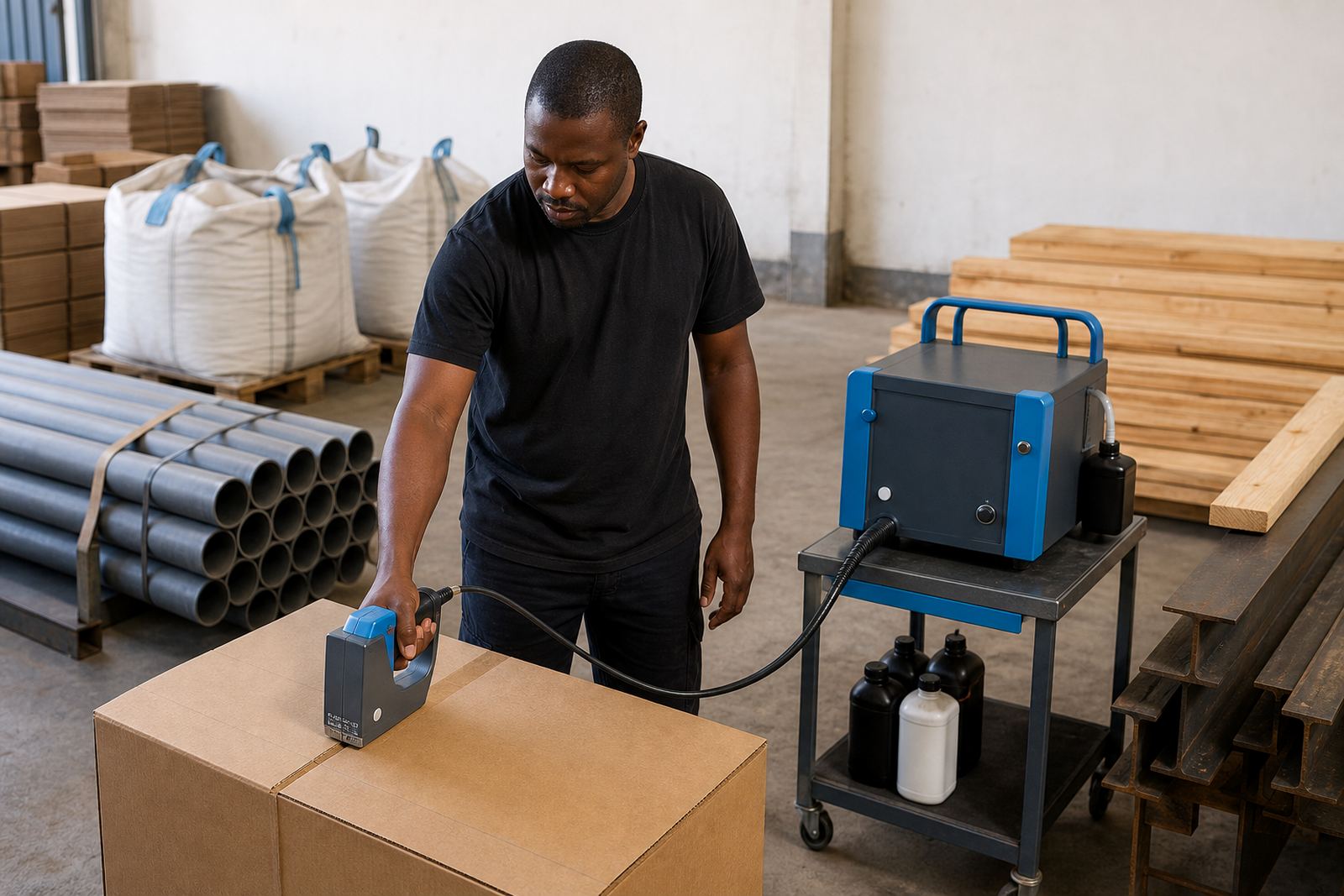
Steel and pipe usually need a cleaner surface than timber or board. Mill oil, condensation, welding residue and fine dust can all weaken adhesion. Even a small film on the surface can make the print look patchy or cause it to rub off with a glove.
For metal work, test the surface after a wipe-down with the cleaning method approved for that product line. If the print still beads or lifts, the ink choice may not suit the finish. Smooth galvanised pieces, powder-coated stock and oily pipe offcuts often need different handling, even if the message itself stays the same.
Readability also matters on curved pipe. If the printer is held at an angle, the letters can stretch on one side and shrink on the other. A slower, flatter pass usually improves the shape of the code.
Barcode setup needs a different check
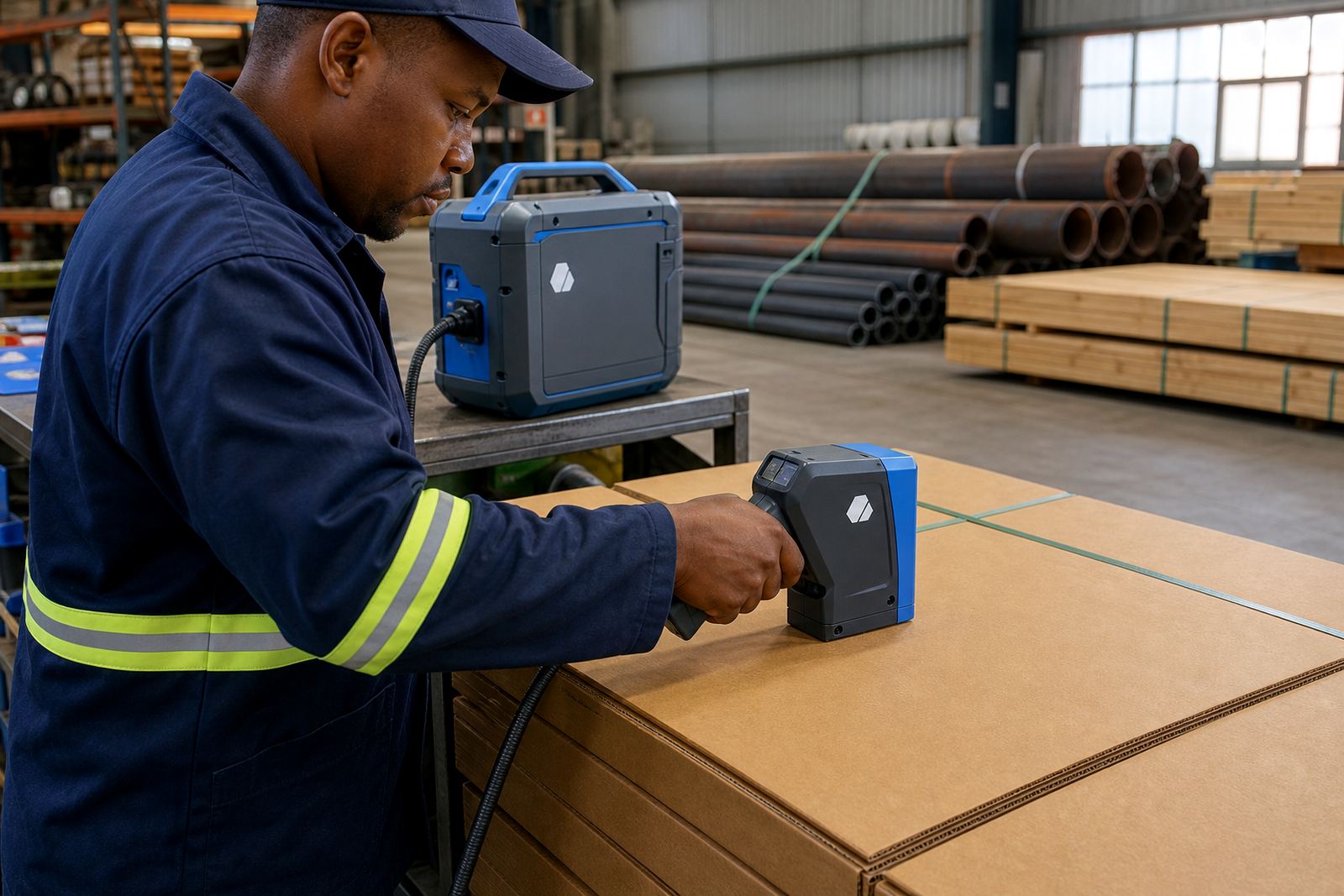
Barcodes fail for small reasons. The bars can be too thin, the quiet zone can be clipped, or the print height can be set too low for the scanner used on site. A barcode that looks neat to the eye still needs the right spacing and contrast to read cleanly.
When setting up a barcode message, keep the surface as level as possible and run a test print on the same material that will be used for the job. If the code is going onto a carton with a rough flute or a timber board with heavy grain, the layout may need more spacing or a larger mark height.
- Print a test strip before releasing the batch
- Check the quiet zone around the barcode
- Confirm the scanner can read the sample from normal handling distance
- Avoid placing the code over seams, folds or knots
When to ask for support on the rental unit
Some faults are easy to sort on site, but repeated misprints need a proper check. If the printer is leaving gaps after cleaning, the ink is not drying, or the message layout keeps shifting, the issue may sit with settings, surface prep or the consumable choice. That is the point where a backup unit or technical check saves time on the floor.
Our support covers message loading, barcode setup, logo setup, test printing, troubleshooting support and backup unit support on weekly or monthly hire terms. The team can work through faint text, adhesion faults, smudging and unreadable marks for cartons, bags, pipes, timber and steel.
- Keep a sample of the material that failed
- Note the ink type in use
- Keep a clear photo of the bad print
- Describe the fault in the contact form so a technician can follow up
A steady print routine on busy shifts
Good print quality is usually built on the same small routine every shift. Clean the print face, check the ink, test the message, and inspect the first few marks before production runs long. On a busy line, one missed check can turn into a stack of cartons that need rework.
For teams moving between Durban, Pinetown, Pietermaritzburg, Johannesburg, Cape Town and Richards Bay, the working conditions can change from one site to the next. A carton run in a dry warehouse may behave differently from a timber yard in coastal air, so the print settings should be checked against the actual surface and handling method at each site.